AI Comic Generator That Turns Words Into Panels
Describe a scene, pick a style, and let AI render the panels. Comic Creator generates characters, backgrounds, and dialogue — you direct the story.
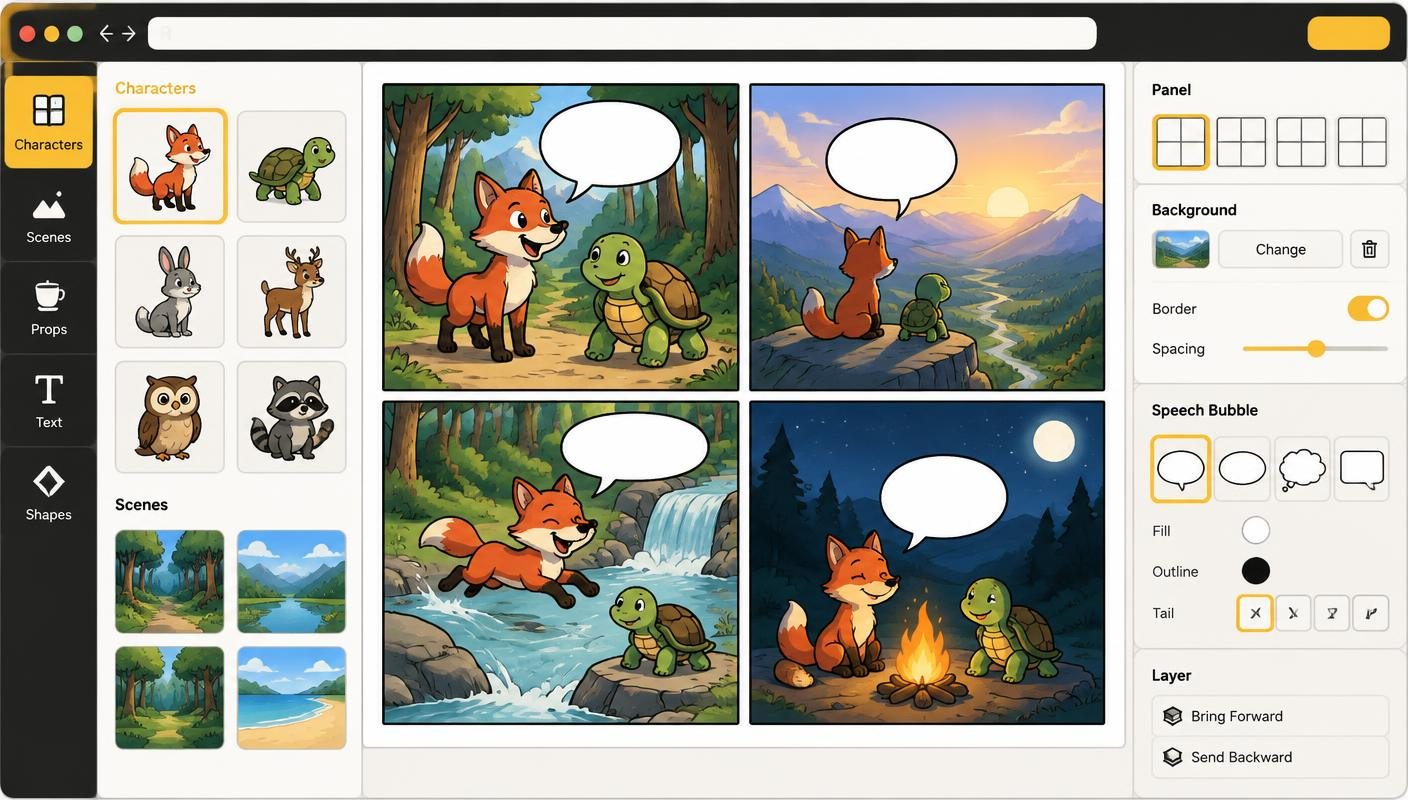
An AI comic generator does the hard part — drawing — so you can focus on the story. Comic Creator brings prompting, asset creation, panel assembly, and export into one workflow. You type what should happen, and the AI produces art that matches your style, with characters that stay consistent across every frame.
Most AI tools spit out one image and call it a day. A comic needs more than that: a series of panels with the same hero, the same world, the same vibe. Comic Creator solves that with character locking, style guides, and reusable character references that keep your cast on-model.
How it works
- Pick a Template — Start from a social, strip, or page layout with panels already in place.
- Generate Visuals — Render consistent characters and high-quality backgrounds from text.
- Refine Style — Apply professional style guides to ensure a cohesive look across all frames.
- Export Canvas — Download your finished comic in social-ready PNG or panel PDF formats.
Features
- AI-Powered Rendering — Instant generation of panels, characters, and props from simple descriptions.
- Character Locking — Keep your protagonists consistent across every panel and project.
- Dynamic Style Locking — Set a specific art style and keep it uniform throughout the entire story.
- Built-In Lettering — Add speech bubbles, thought bubbles, captions, and sound effects you can restyle.
- Multi-Panel Layouts — Choose from pre-set grids or create custom panel arrangements easily.
- High-Res PNG Export — Download high-fidelity images perfect for sharing on any platform.
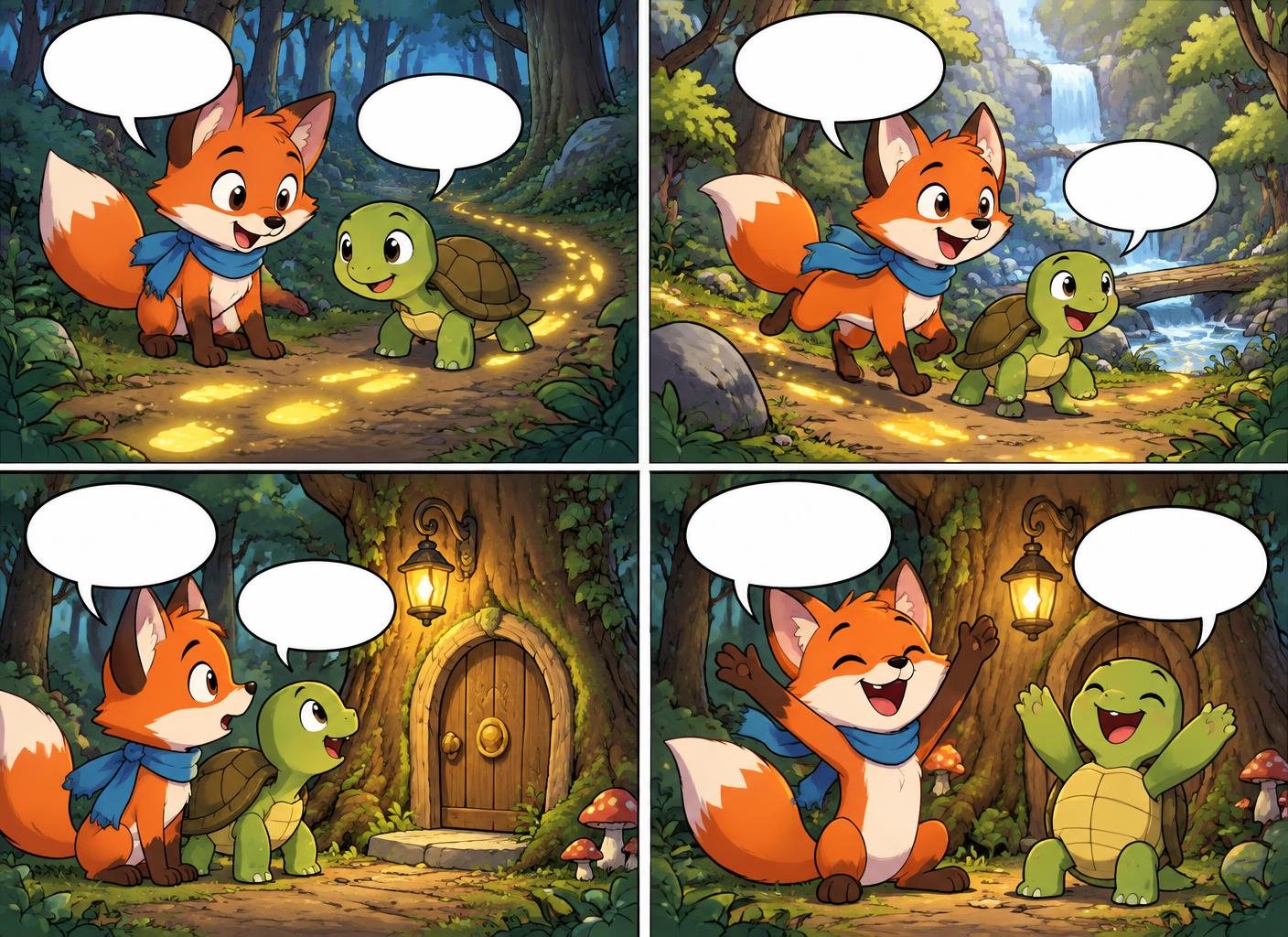
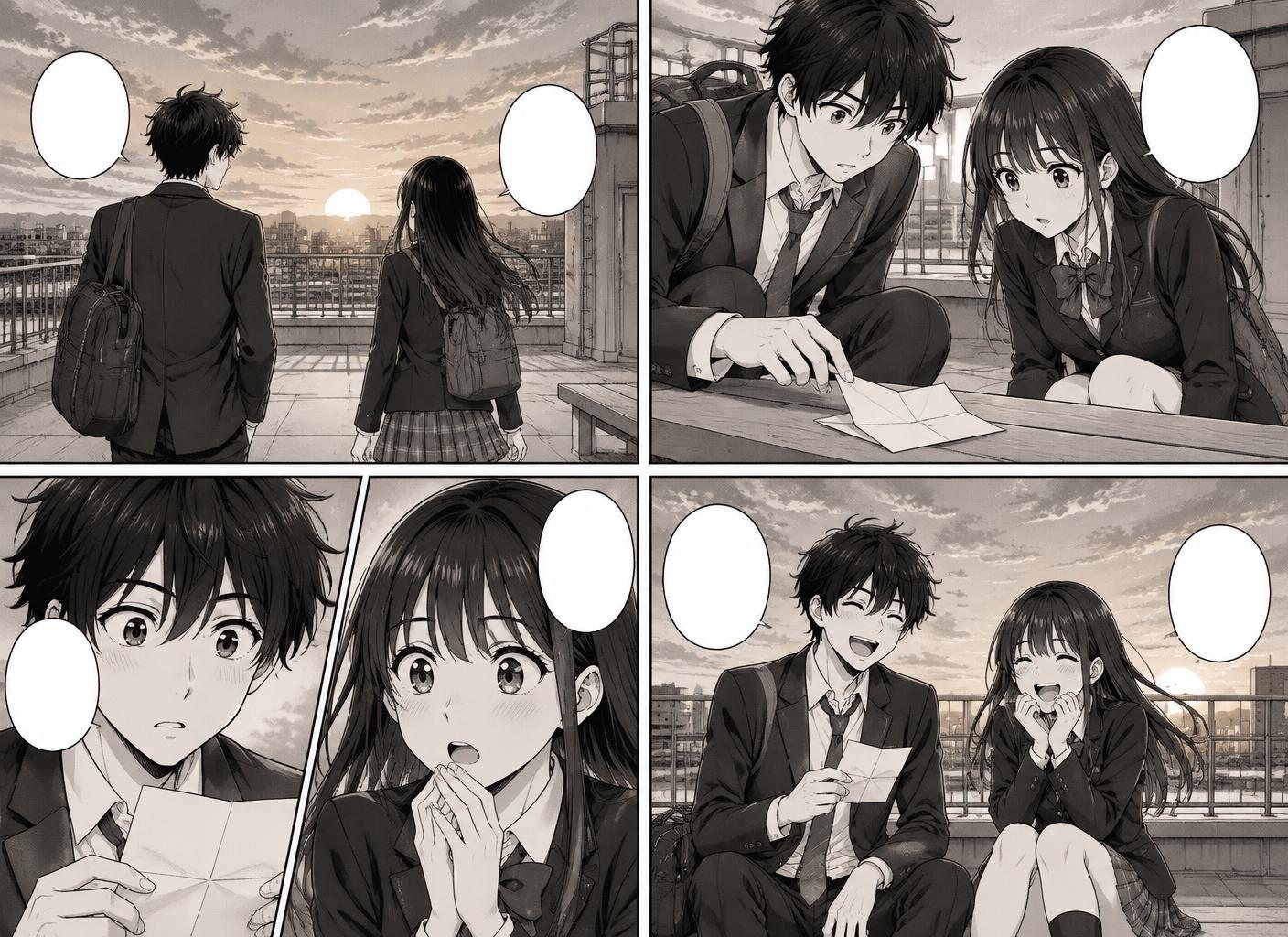
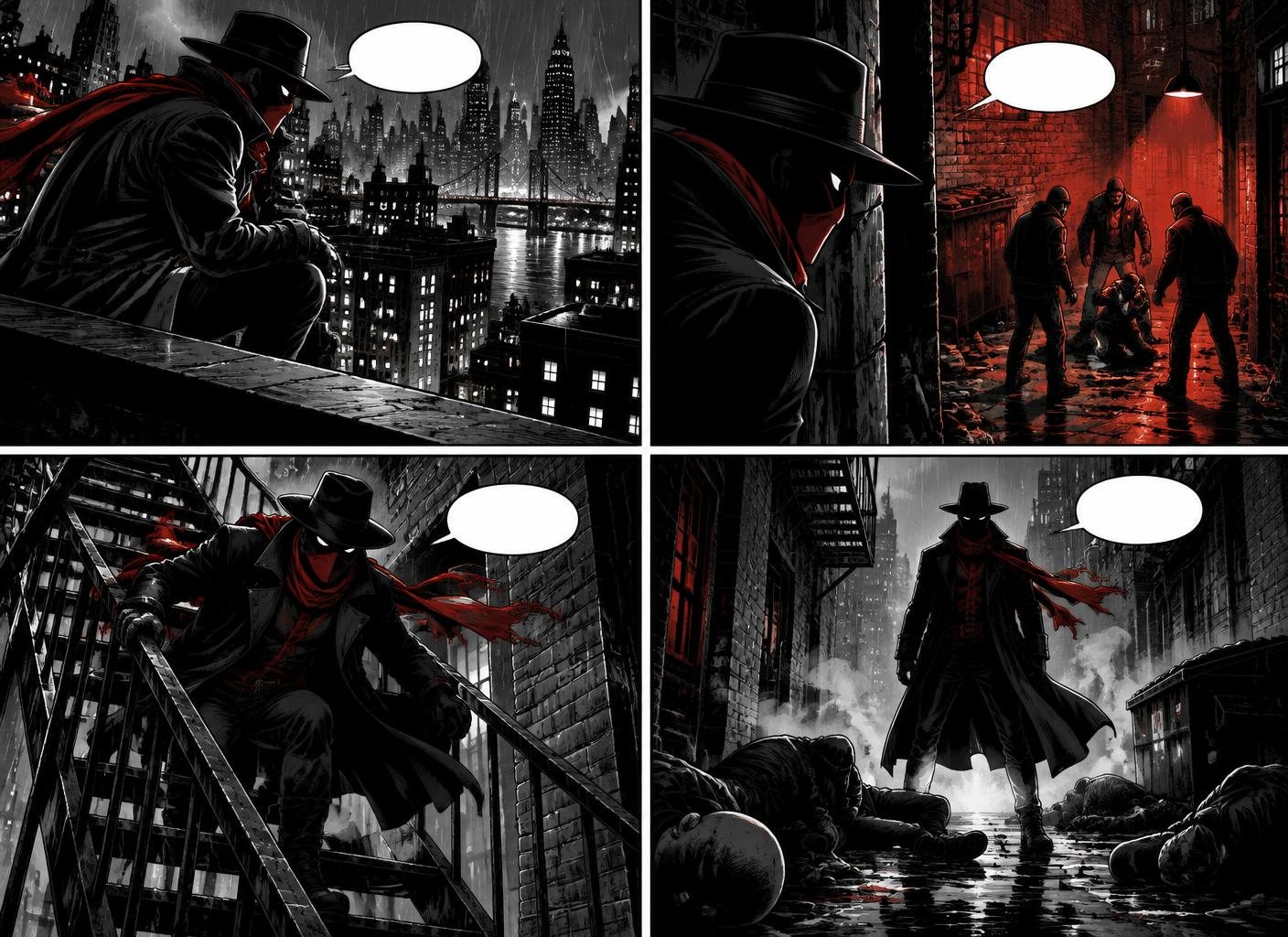
Examples made in Comic Creator
Who it is for
- Social Media Creators — Pump out a comic-a-day for social media without burning out. Story ideas in, finished panels out.
- Indie Storytellers — Build out a webcomic without hiring an artist. Lock in your protagonist and ship a new episode every week.
- Marketing Teams — Turn case studies, product launches, or onboarding into shareable comic explainers.
- Writers Prototyping — Test a script visually before committing to a full graphic novel or pitching to a publisher.
FAQ
Is it really free to start?
Yes. You can create your first comic without a credit card. Paid plans unlock more AI generations, projects, and export options.
Do I need to know how to draw?
No. Comic Creator generates panels, characters, and backgrounds from text prompts. If you can describe a scene, you can make a comic.
What makes Comic Creator different from generic AI image tools?
Generic tools make one picture. Comic Creator handles the whole comic: consistent characters across panels, layout, speech bubbles, story structure, and export-ready files.
Can I use the comics commercially?
Yes. Review the current terms and your plan details before using generated work commercially.
Which art styles are supported?
Western superhero, manga, webtoon, retro newspaper strip, kids' picture book, noir, and more — start from a preset or describe your own style guide.
How long does it take to make a comic?
The time depends on the number of panels and revisions. A short four-panel strip is the best place to learn the workflow.