Manga Generator That Actually Looks Like Manga
Direct manga-inspired artwork with a project style, reusable character references, flexible panels, and editable lettering.
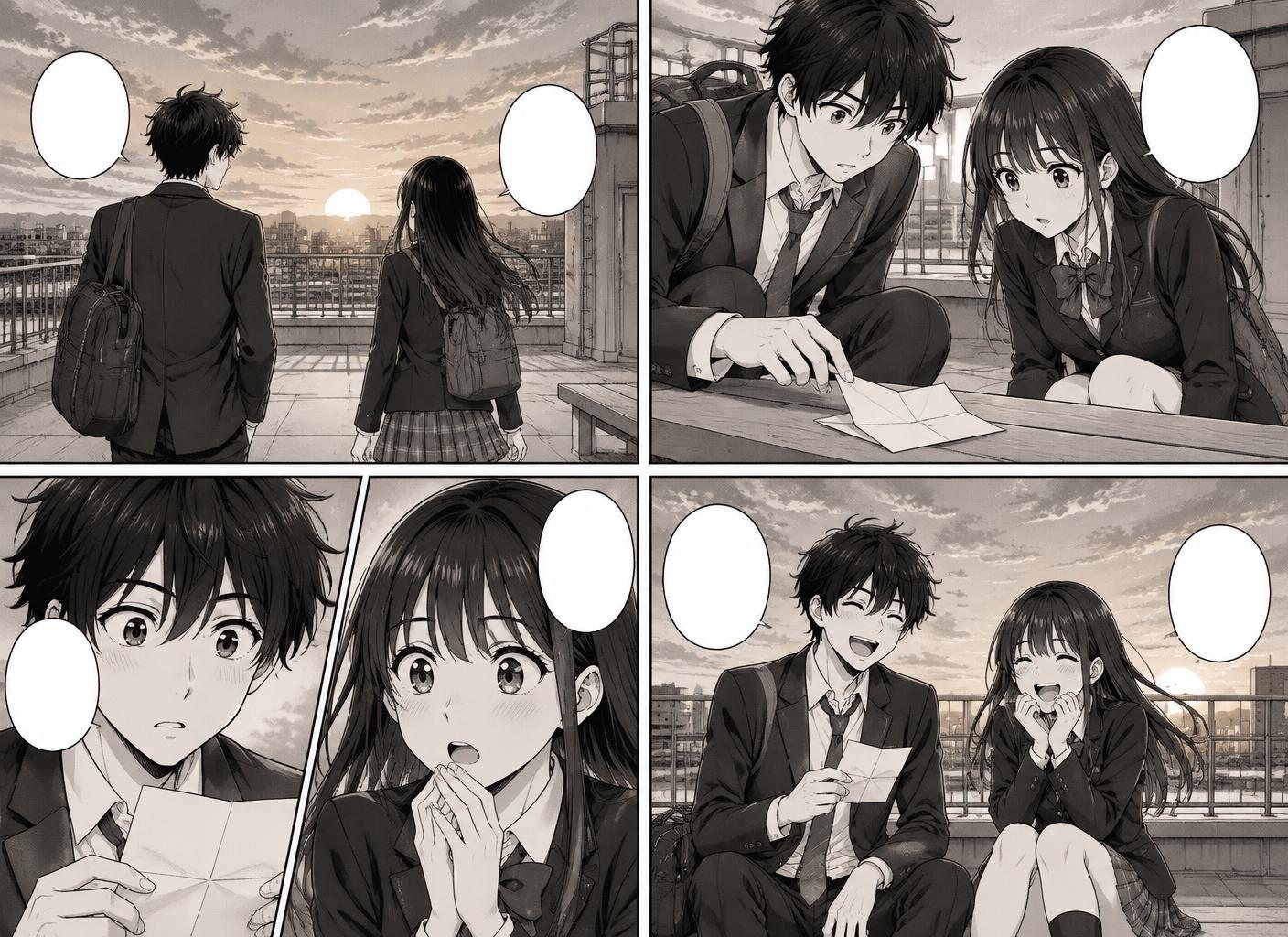
A manga generator has to do more than apply an anime look. Manga depends on visual rhythm: close-ups, reaction shots, screen tones, action lines, and deliberate panel flow. Comic Creator lets you describe that direction once in a project style, then reuse it as you create the cast and settings.
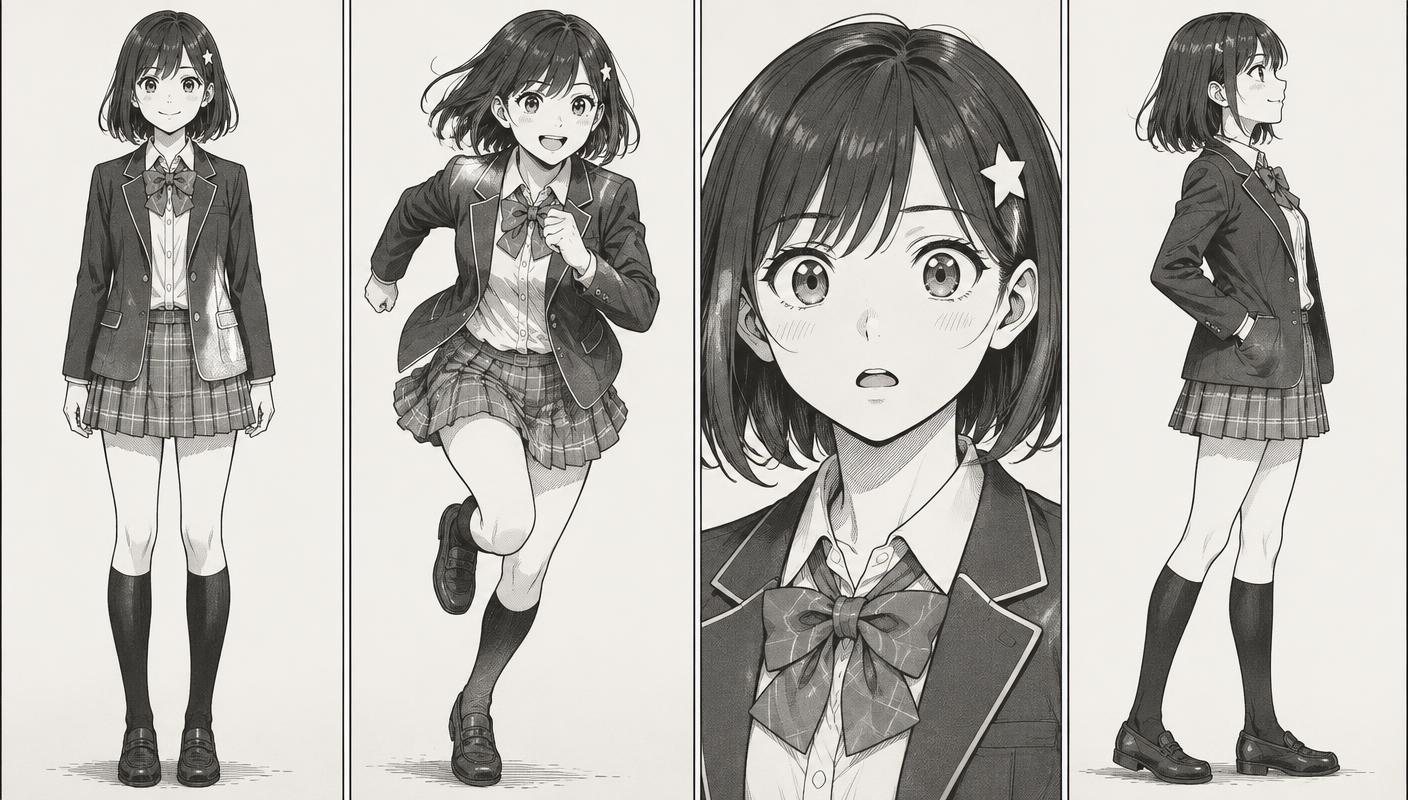
Save a character reference, generate the poses and expressions your scene needs, and arrange the results on a portrait page or stacked canvas. Because the artwork and lettering stay editable, you can revise the pacing before exporting a full PNG, separate panel images, or a panel-by-panel PDF.
How it works
- Define the Manga Look — Describe the ink, screen tones, contrast, and mood in the project's shared style guide.
- Build the Cast — Save a character and create the poses or expressions needed for the scene.
- Arrange the Page — Choose a page or stacked layout, then place characters, backgrounds, and lettering panel by panel.
- Export the Artwork — Export the full canvas, separate panel PNGs, or a panel-by-panel PDF for your next step.
Features
- Manga-Inspired Direction — Describe ink, tone, composition, and genre cues in a shared project style.
- Screen Tone Shading — Request screen-tone shading and manga-inspired contrast when generating artwork.
- Action Line Generation — Describe speed lines and focus lines when generating action artwork.
- Custom Style Guides — Define shounen, shoujo, seinen, chibi, or your own visual direction in words.
- Consistent Character References — Save character references to guide new poses, expressions, and camera angles.
- Portrait and Stacked Layouts — Use portrait canvases and stacked panels for page-based or mobile reading.
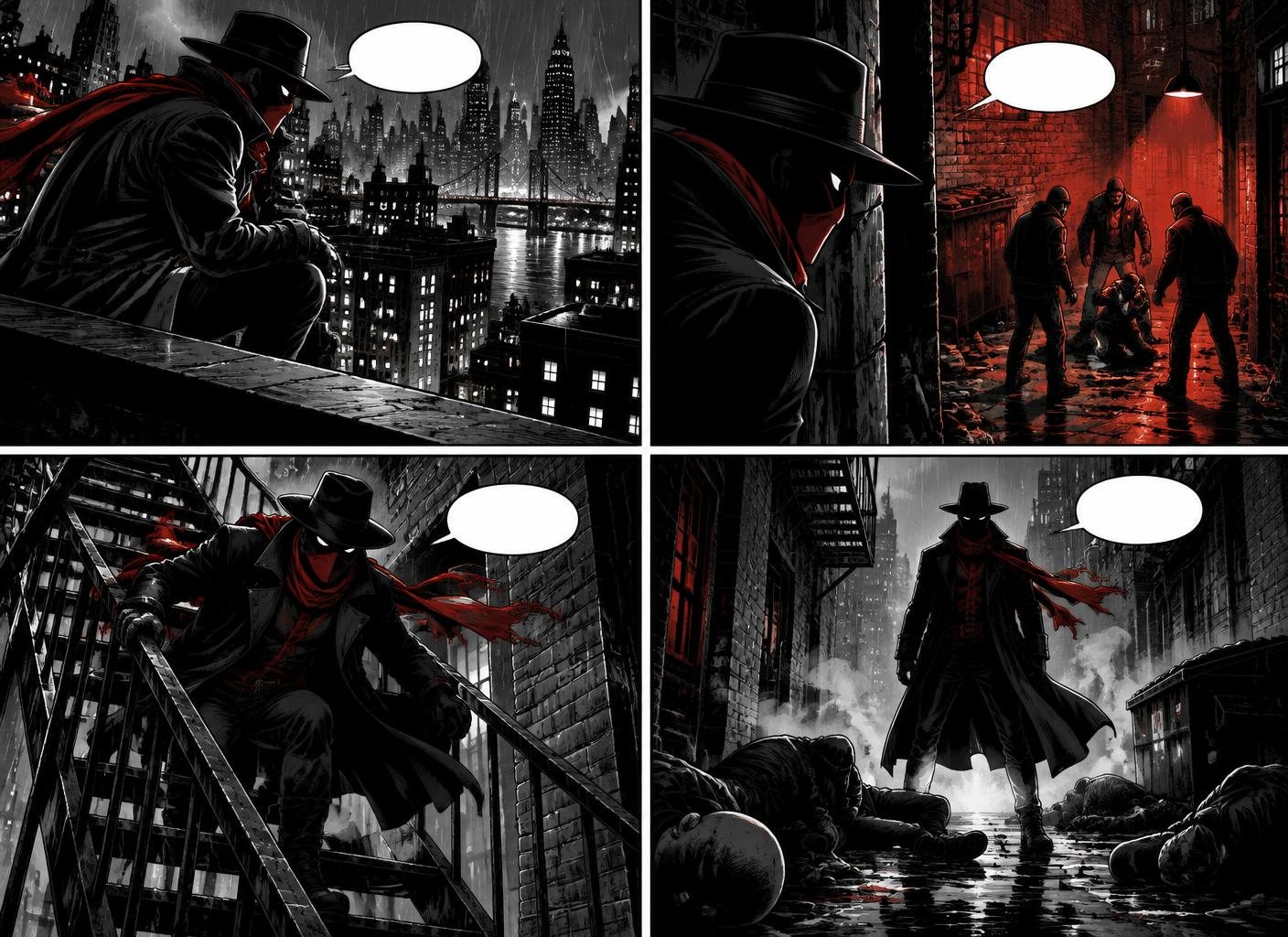
Examples made in Comic Creator
Who it is for
- Aspiring Mangaka — Ship your first manga chapter without ten years of art school. Iterate fast, learn what works.
- Fan Storytellers — Tell the manga stories you wish existed, with characters that look right every time.
- Webtoon Creators — Use a portrait canvas and export panel images for a mobile-first publishing workflow.
- Game & Anime Studios — Prototype manga adaptations and promotional shorts before committing animation budget.
FAQ
Which manga styles are supported?
Shounen action, shoujo romance, seinen drama, chibi comedy, dark seinen, and custom styles you can build with a style guide.
Can I do vertical-scroll Webtoon format?
Use a portrait canvas and stacked panels, then check the result at phone width.
Do I need to know how to draw?
No. Comic Creator generates panels, characters, and backgrounds from text prompts. If you can describe a scene, you can make a comic.
Is it really free to start?
Yes. You can create your first comic without a credit card. Paid plans unlock more AI generations, projects, and export options.
Can I use the comics commercially?
Yes. Review the current terms and your plan details before using generated work commercially.
How long does it take to make a comic?
The time depends on the number of panels and revisions. A short four-panel strip is the best place to learn the workflow.