The Comic Creator Built for Storytellers, Not Designers
Drag-and-drop panels. AI-generated art. Speech bubbles, captions, sound effects. Everything you need to make a comic — no Photoshop, no tablet.
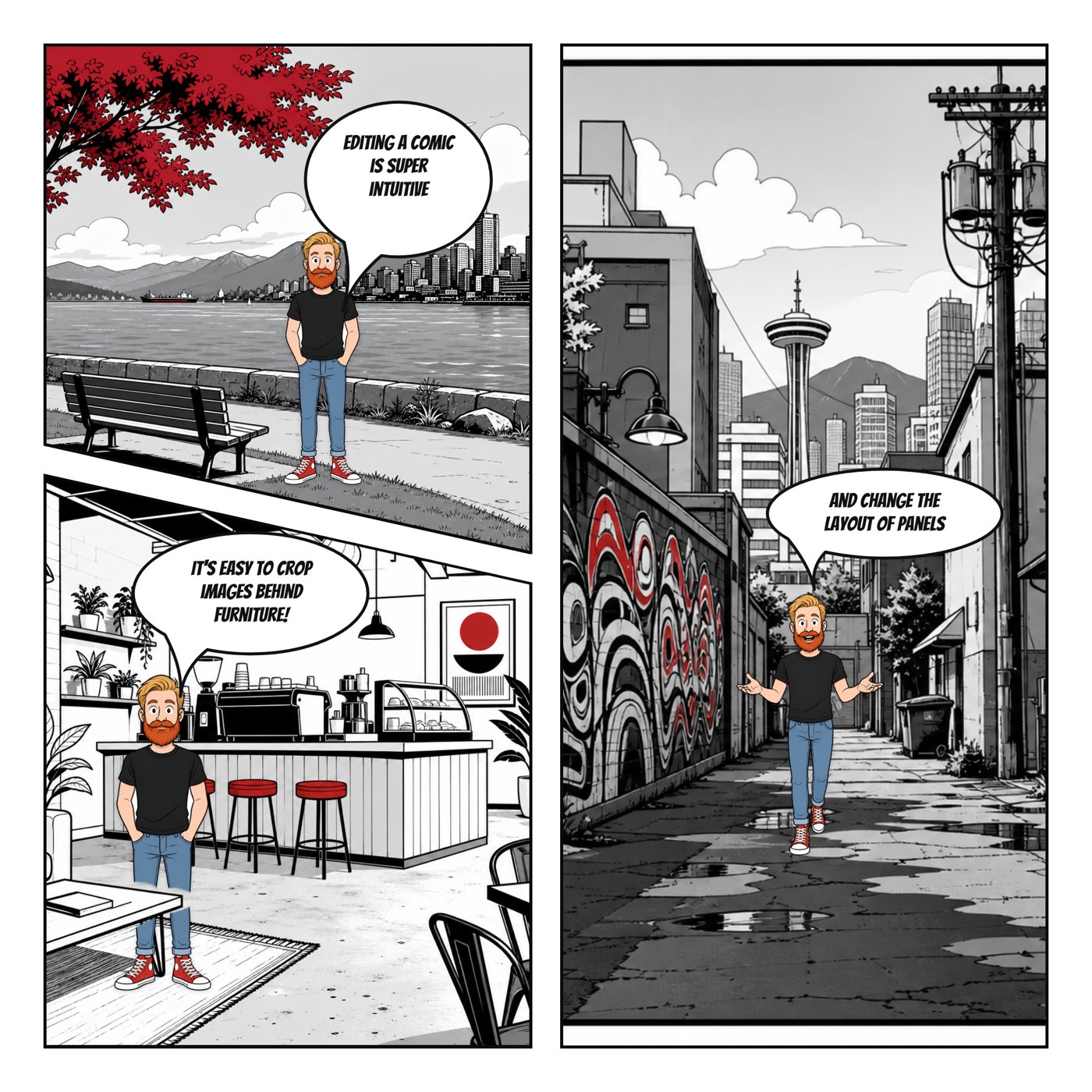
Comic Creator is an online comic creator that gives you a real comic studio in your browser. Panels, characters, backgrounds, speech bubbles, page layouts, and export — all in one place. It's built for people who have ideas but not the time (or the skills) to draw every frame by hand.
Where most comic tools stop at clip-art templates, Comic Creator adds AI. Generate any character or background from a prompt. Re-use them across panels. Letter it with bubbles, captions, and sound effects. It's the part of the workflow that usually takes weeks, compressed into an afternoon.
How it works
- Choose Layout — Select a professional template or design your own custom panel grid.
- Populate Panels — Place AI-generated characters and backgrounds into your chosen layout.
- Customize Bubbles — Add and style speech bubbles, thought bubbles, and narrative captions.
- Download Final — Export your complete comic as a high-resolution image or PDF document.
Features
- Drag-and-Drop Interface — Easily arrange panels and elements without any graphic design skills.
- Pre-Set Templates — Start fast with standard horizontal, grid, or vertical stack layouts.
- Professional Speech Bubbles — Choose from multiple bubble styles for every tone and emotion.
- Asset Management — Save and reuse your favorite characters and backgrounds across projects.
- Undo/Redo History — Experiment freely with a robust multi-level undo and redo system.
- PDF Export — Convert your comics into multi-page PDF files for easy reading and sharing.
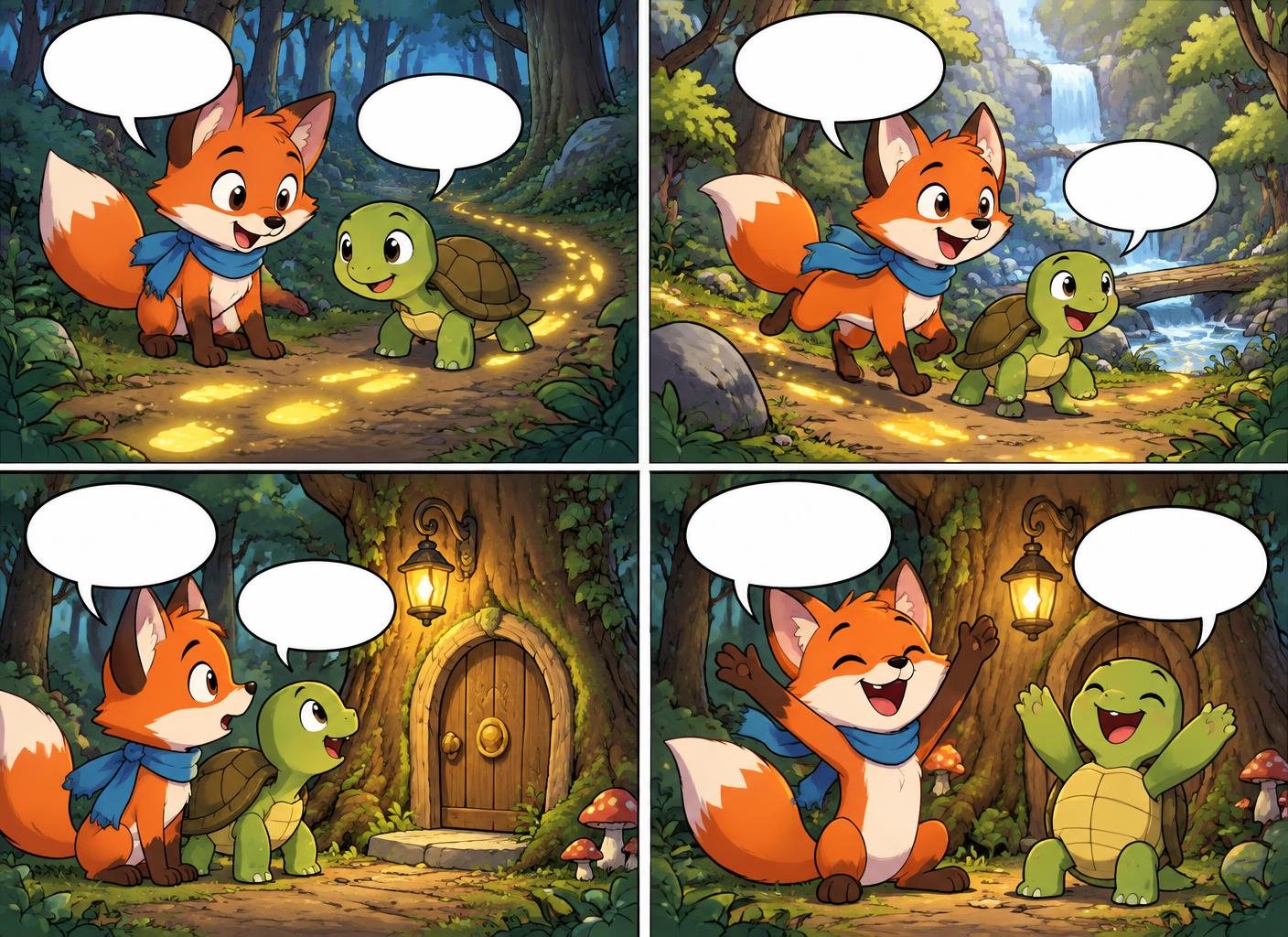
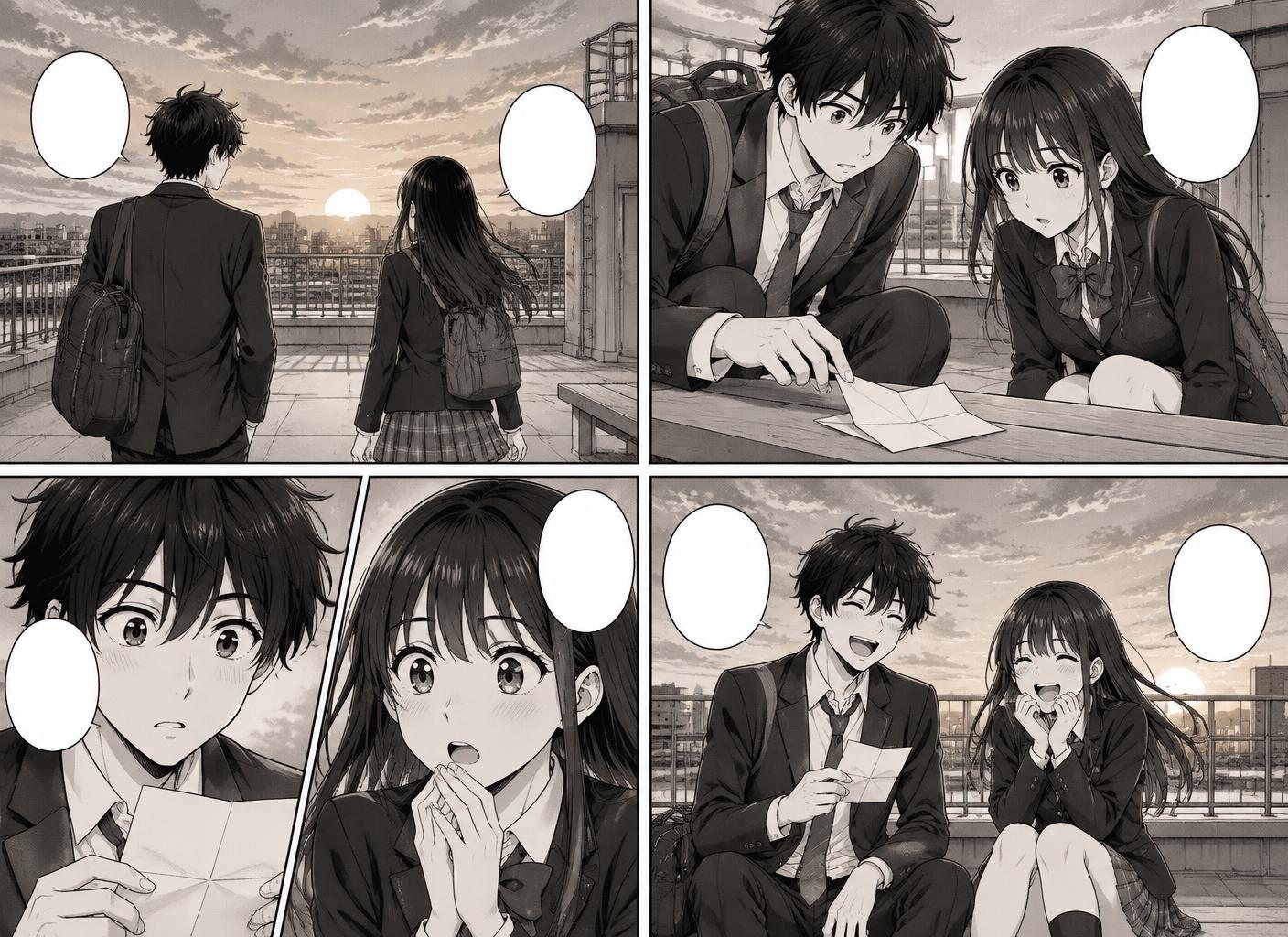
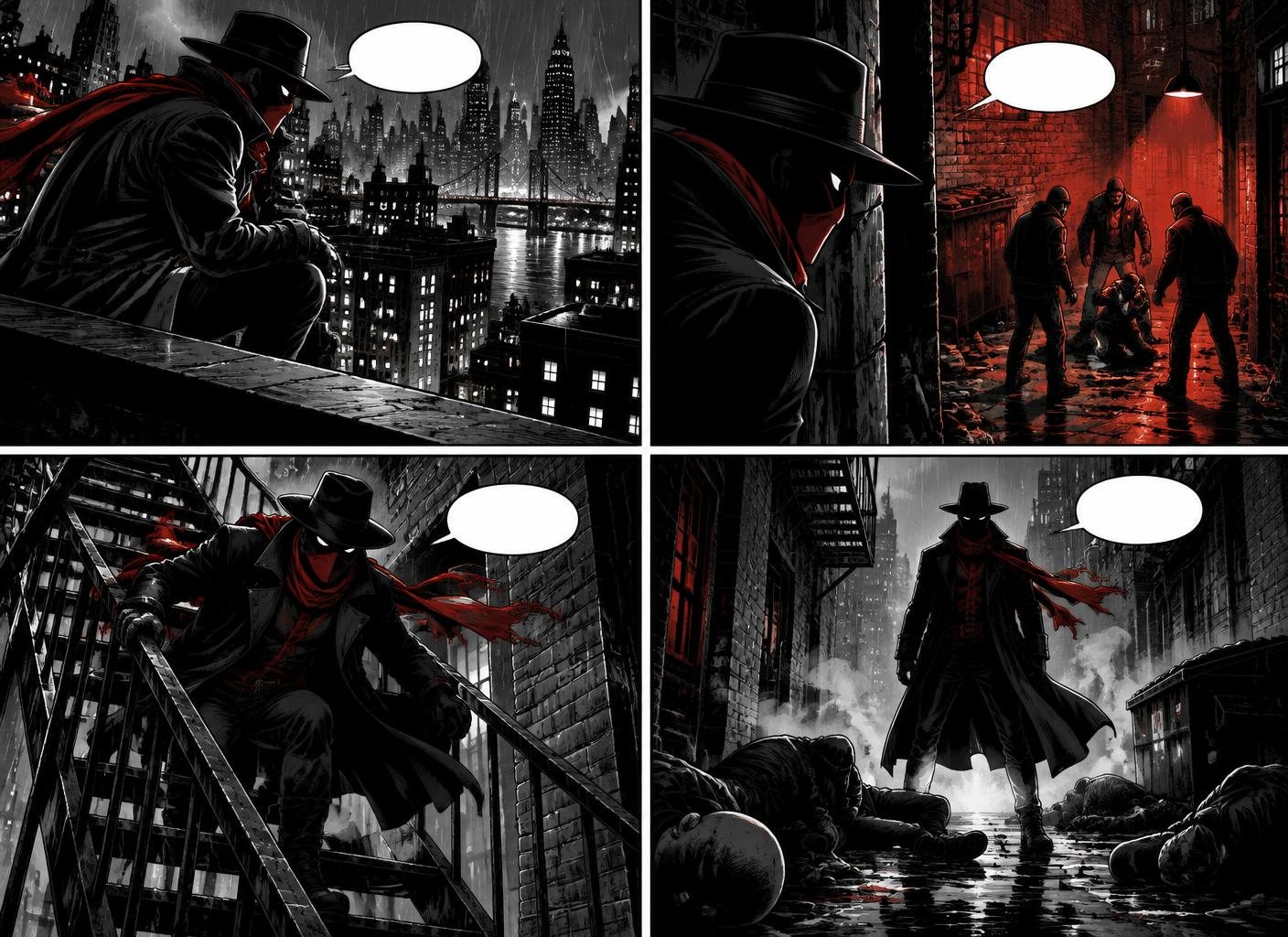
Examples made in Comic Creator
Who it is for
- Hobbyist Cartoonists — Finally finish that comic idea sitting in your notebook. Comic Creator handles the visual lift.
- Teachers & Students — Make comic book reports, explainers, and class projects in an afternoon.
- Content Marketers — Comic-format posts get better engagement than stock graphics. Ship one a week.
- Small Studios — Prototype pitches and concept comics before committing animator and illustrator time.
FAQ
Is it really free to start?
Yes. You can create your first comic without a credit card. Paid plans unlock more AI generations, projects, and export options.
Do I need to know how to draw?
No. Comic Creator generates panels, characters, and backgrounds from text prompts. If you can describe a scene, you can make a comic.
What file formats can I export?
The editor exports a full PNG, separate panel PNG files, or a PDF with each panel on its own page.
Can I use the comics commercially?
Yes. Review the current terms and your plan details before using generated work commercially.
Can I collaborate with others?
Projects are tied to your account. You can share the exported PNG or PDF files outside the editor.
How long does it take to make a comic?
The time depends on the number of panels and revisions. A short four-panel strip is the best place to learn the workflow.