MakeStoryboard Alternative: Comic Creator
Generate the frames instead of sketching them, keep your cast on-model, and revise dialogue without redrawing.
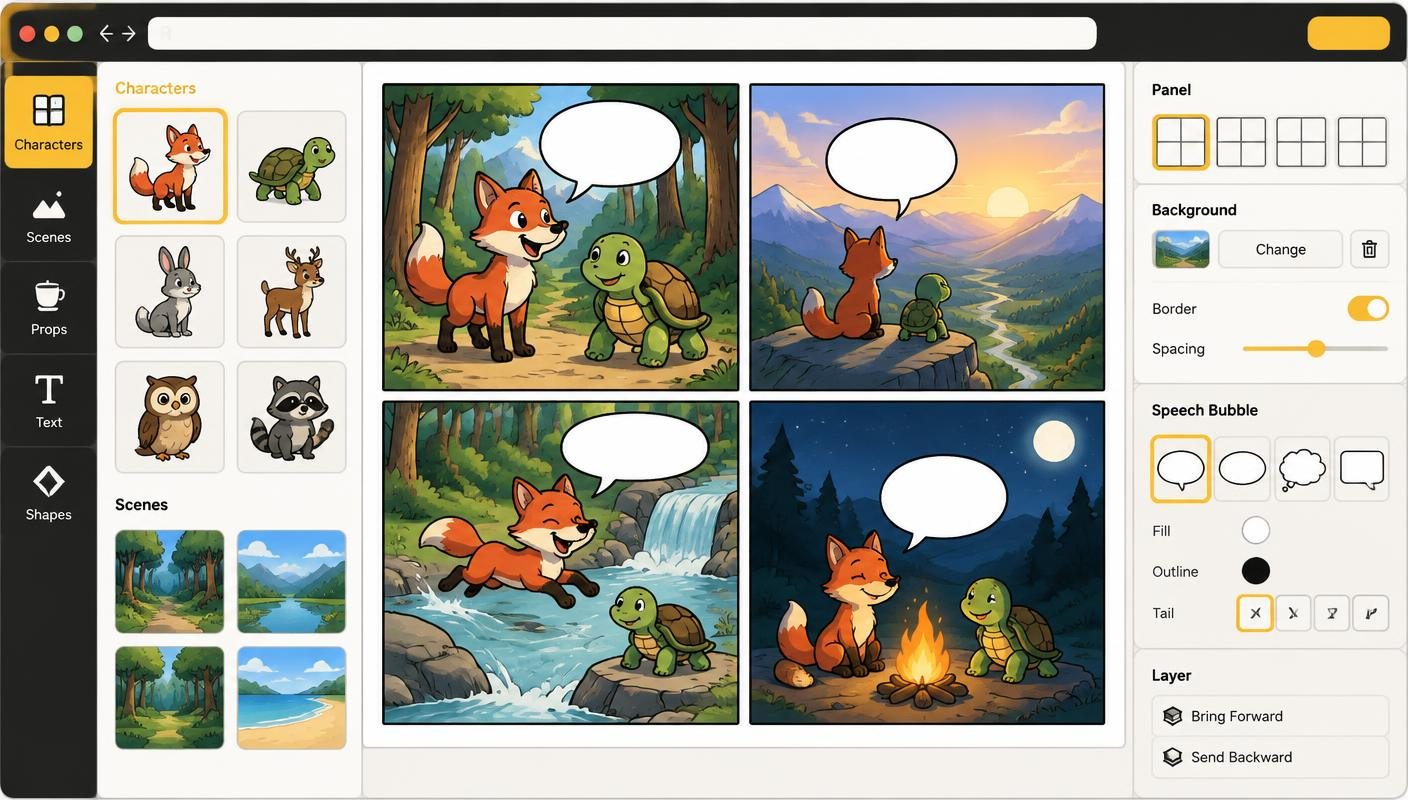
MakeStoryboard is built for film, video and agency teams: you sketch frames, upload artwork or use photos, add shot notes, and share boards for review. If your team already draws and mainly needs a production board with notes and presentation views, it is a focused tool for that job.
Comic Creator suits a different starting point: you can describe a shot instead of drawing it. Characters and backgrounds are generated, saved to a project library and reused across frames, and dialogue stays as editable lettering on top of the art.
That makes it a practical MakeStoryboard alternative for solo creators, students and marketers who need illustrated frames quickly—pitch boards, explainer storyboards, or a comic version of a script. AI output still needs review; character references help consistency but do not guarantee identical results in every shot.
How it works
- Set the look once — Pick or create a style guide so every frame shares the same art direction—no matching sketches by hand.
- Build your cast and locations — Generate characters and backgrounds from text and save them to the project for reuse across shots.
- Lay out the shots — Choose a panel template, then place characters over backgrounds or generate a full-scene frame for a composed shot.
- Annotate and export — Add captions, dialogue or sound effects as editable lettering. Starter and Pro export whole boards as PDF or page PNGs.
Features
- No drawing required — Describe the shot—wide, close-up, over-the-shoulder—and generate artwork instead of sketching each frame.
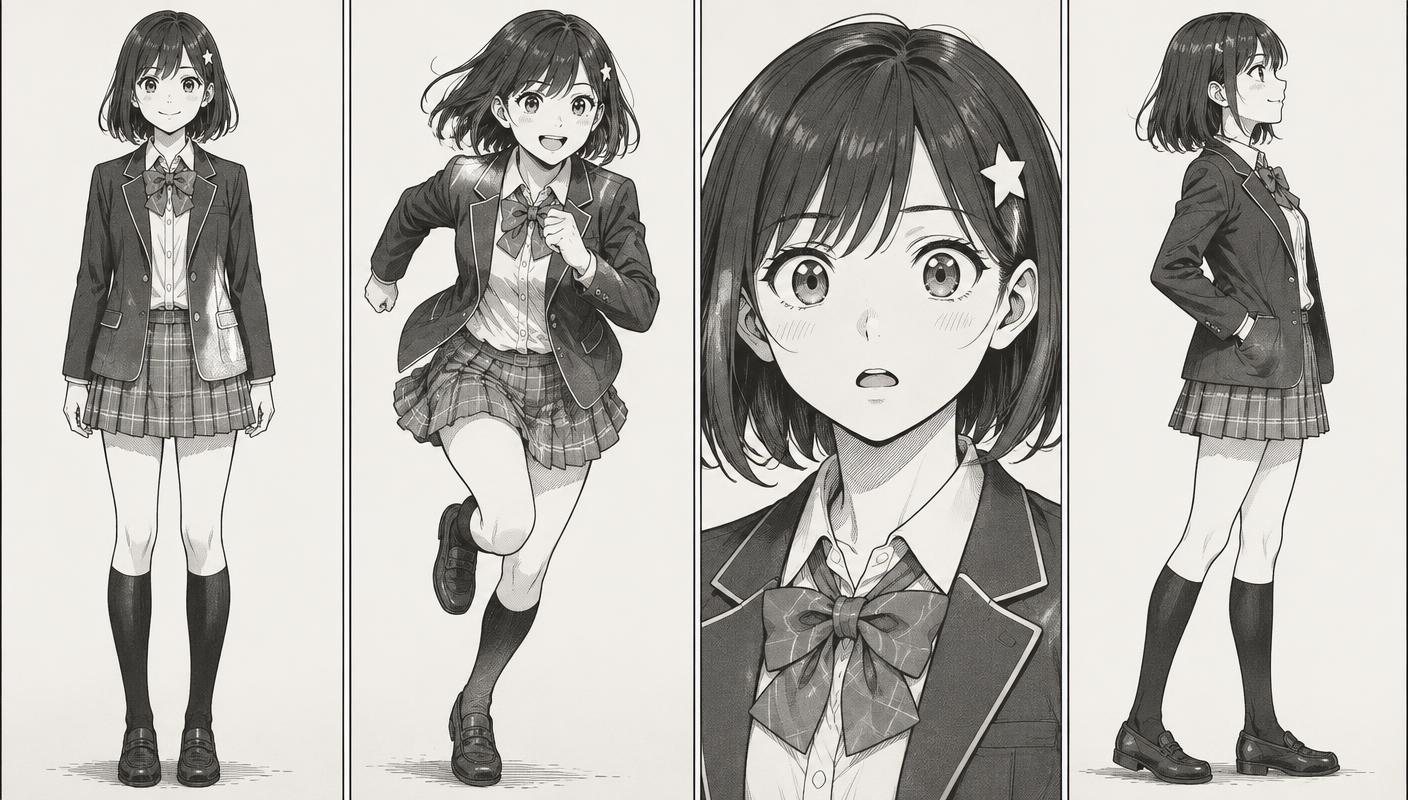
- Reusable characters — Keep a character library per project. Reference sets on Starter and Pro help hold faces and outfits steady.
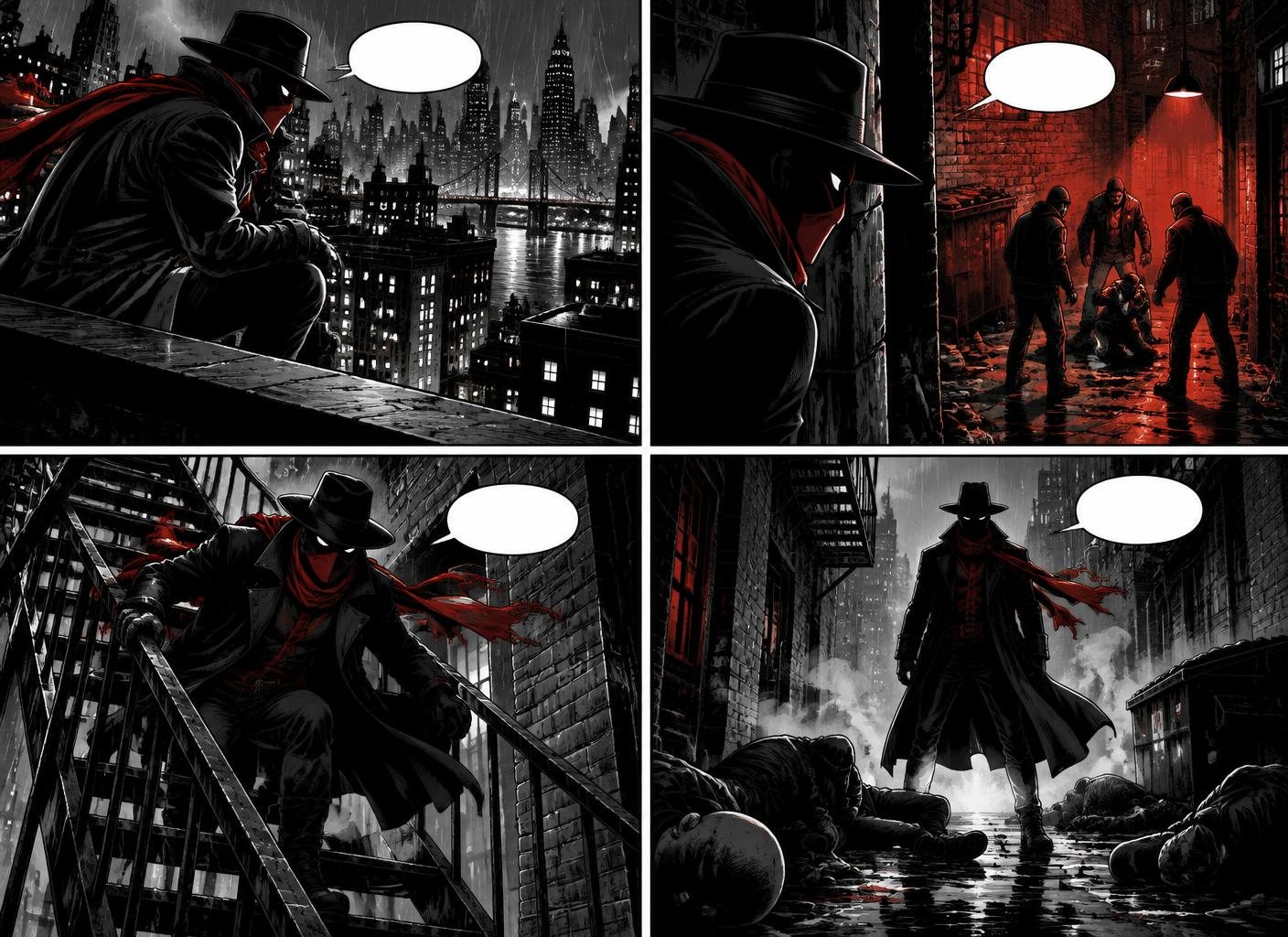
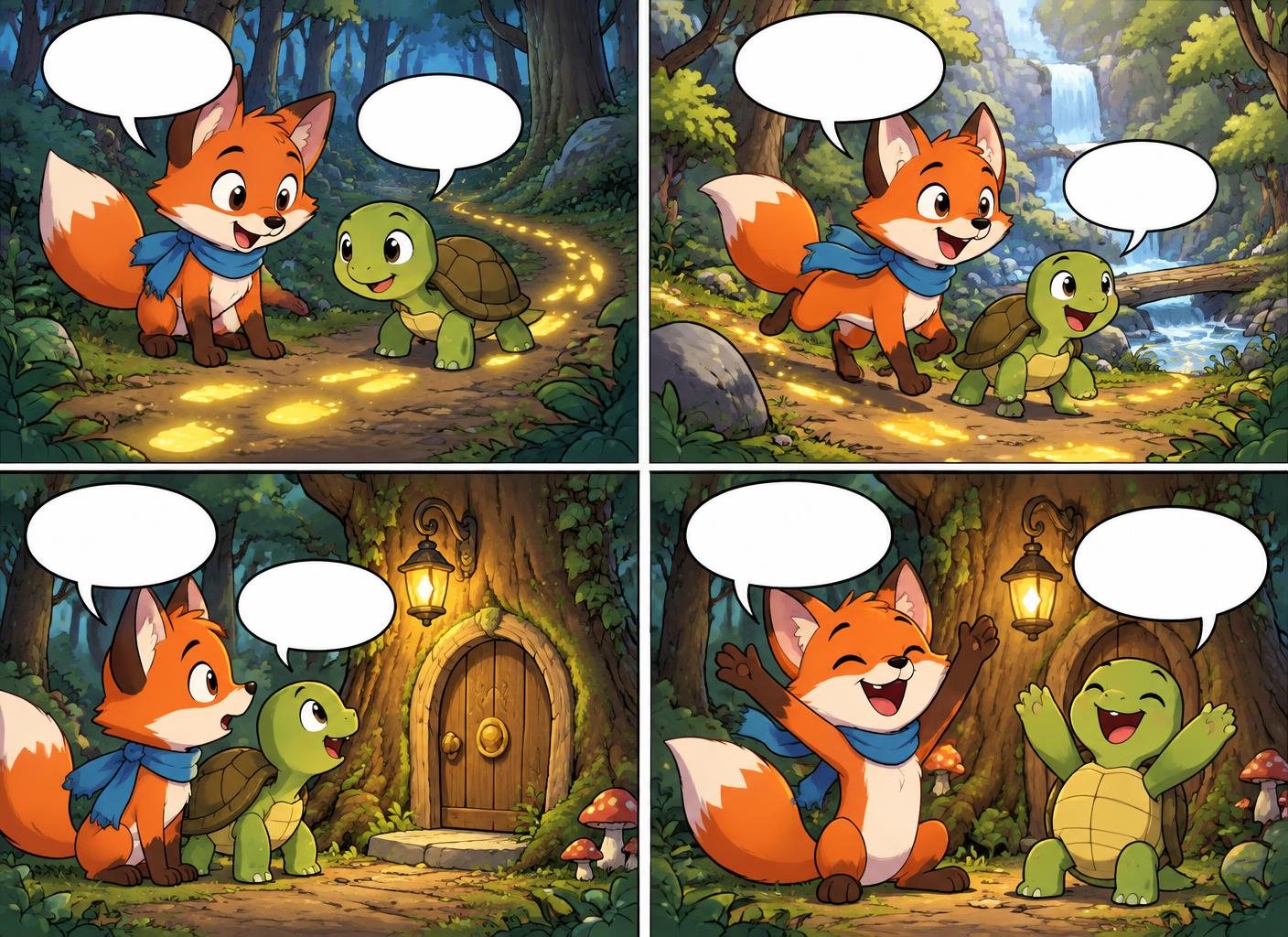
- Editable captions and dialogue — Text stays separate from images, so revising a line or note never costs a new generation.
- Script-to-board planning — Turn a written script into planned panels with shots, characters and dialogue you review before rendering.
- Multi-page boards — Add, duplicate and reorder pages: Free up to 4 per comic, Starter 24, Pro 64.
- Fix a character detail — Mask part of a character and describe the change with Fix Part for 1 credit; reverting is free.
Examples made in Comic Creator
Who it is for
- Choose MakeStoryboard for drawn production boards — If artists on your team sketch frames and you need shot notes and review links for a shoot, its production focus fits.
- Choose Comic Creator for illustrated pitches — Generate polished frames for a client pitch or ad concept without hiring an illustrator for every revision.
- Choose Comic Creator for students and solo creators — Visualise a short film, class project or webcomic script from text, with characters that carry across shots.
- Switching between tools — Exported frames can be uploaded as images, but there is no direct project importer and flat images keep their baked-in text.
Comic Creator vs MakeStoryboard
| Feature | Comic Creator | MakeStoryboard |
|---|---|---|
| Artwork source | AI-generated characters, backgrounds and full scenes | Sketching, uploaded art and photos; AI generation not verified |
| Character consistency | Saved character library; reference sets on Starter and Pro | Depends on the artist drawing or uploading each frame |
| Text on frames | Editable speech, captions and SFX lettering | Shot notes and captions alongside frames |
| Script workflow | Script-to-panel planning with reviewable shot choices | Script/notes per frame; automated planning not verified |
| Pages | Ordered multi-page comics and boards | Multi-frame boards |
| Team collaboration | Single-account workspace; share via export | Team sharing and review advertised |
| Free allowance | 20 lifetime generations and 1 saved comic | Verify current free tier on its pricing page |
| Paid plans | Starter $9/month (150 generations); Pro $29/month (500) | See its pricing page; prices not verified here |
| Exports | Starter/Pro: whole-comic PDF, page-PNG ZIP, page and panel images | PDF/presentation exports advertised; exact formats unverified |
FAQ
Is Comic Creator a storyboard tool?
It is a comic creator, but panels, shot types and captions make it work well for illustrated storyboards and pitch boards. It does not include production features like camera-move fields or team review links.
Do I need to draw?
No. You describe characters, locations and shots, and the AI generates the artwork. You can also upload your own images.
Will my characters look the same across frames?
Saved characters and reference sets help keep them consistent, but review each frame—AI results can vary between angles and expressions.
Can my team collaborate?
Not yet in real time. Each account has its own workspace; share boards by exporting PDF or images.
Is it really free to start?
Yes. You can create your first comic without a credit card. Paid plans unlock more AI generations, projects, and export options.
Can I import a MakeStoryboard project?
There is no direct importer. You can upload exported frames as images and add new editable captions on top.