Comic templates
Free blank comic templates: strips, full comic book pages, manga 4-koma, webtoon segments, social media sizes and covers. Download any layout as a PNG or PDF with no sign-up, or open the same layout in Comic Creator to add characters, backgrounds and editable speech bubbles.
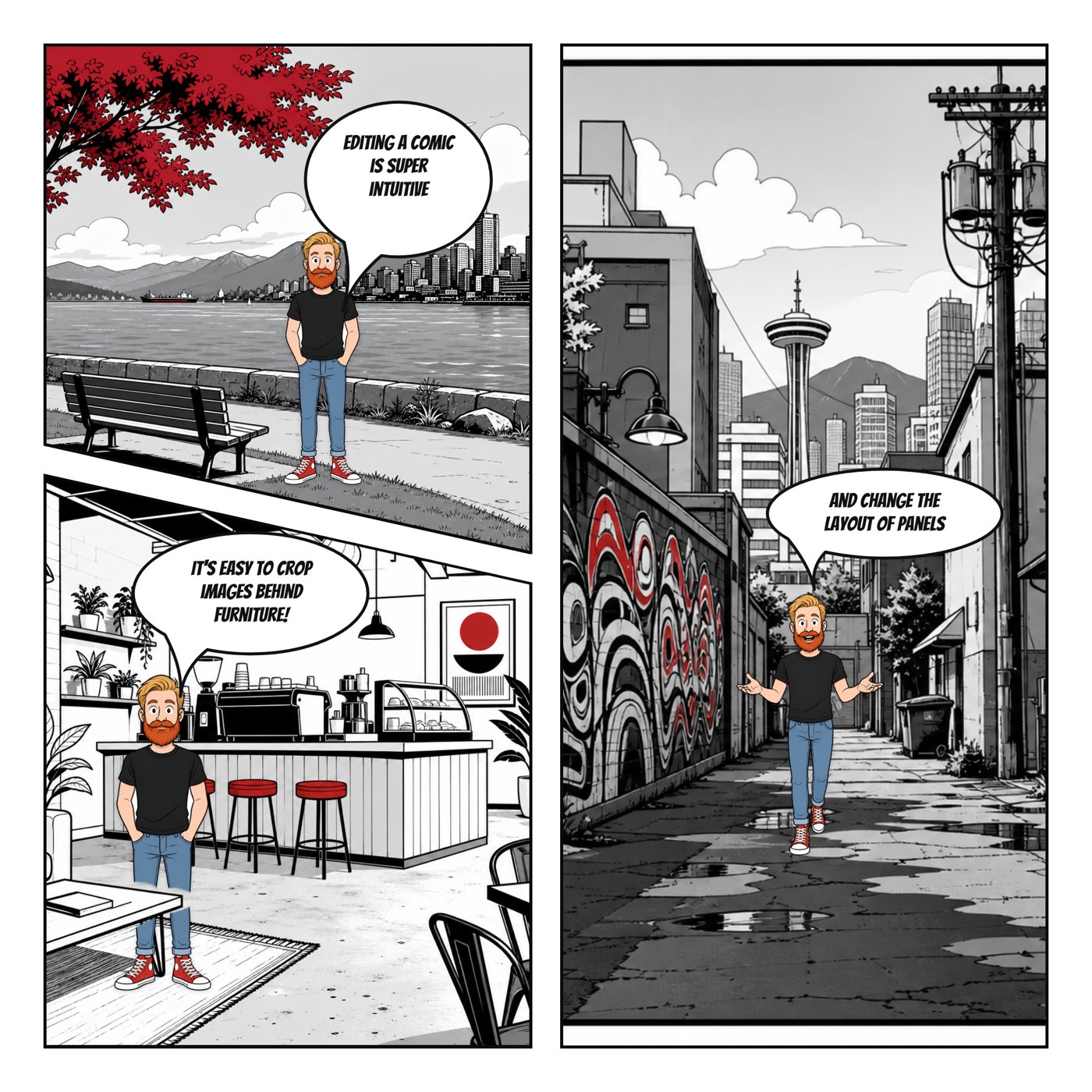
Pick a shape for your story
A horizontal strip works well for a setup and punchline. A portrait page gives a longer sequence room to breathe. Vertical panels suit a phone scroll, while a square layout keeps a short scene together in one social post. Panel count is a pacing choice, not a measure of how much story you need.
Print a blank or start online
The PNG and PDF downloads are blank outlines, not finished comics. Print them for drawing by hand, or open their matching layout in Comic Creator to add your own artwork and lettering. Blank template downloads do not require an account. Editing online requires signing in; your account’s normal comic-save limit still applies.
Choose a format
- Blank comic strip template — Print a blank four-panel comic strip for drawing by hand, classroom storytelling or rough drafts. Download a PDF or PNG.
- Comic book page templates — Plan a comic page with five, six or nine panels, or a full-page splash. Blank PNG and PDF downloads with editable online layouts.
Printable worksheets
Full-page sheets with three strips each, plus versions with speech bubbles or writing lines.
Printable comic strip worksheetsAll blank layouts
Comic strips
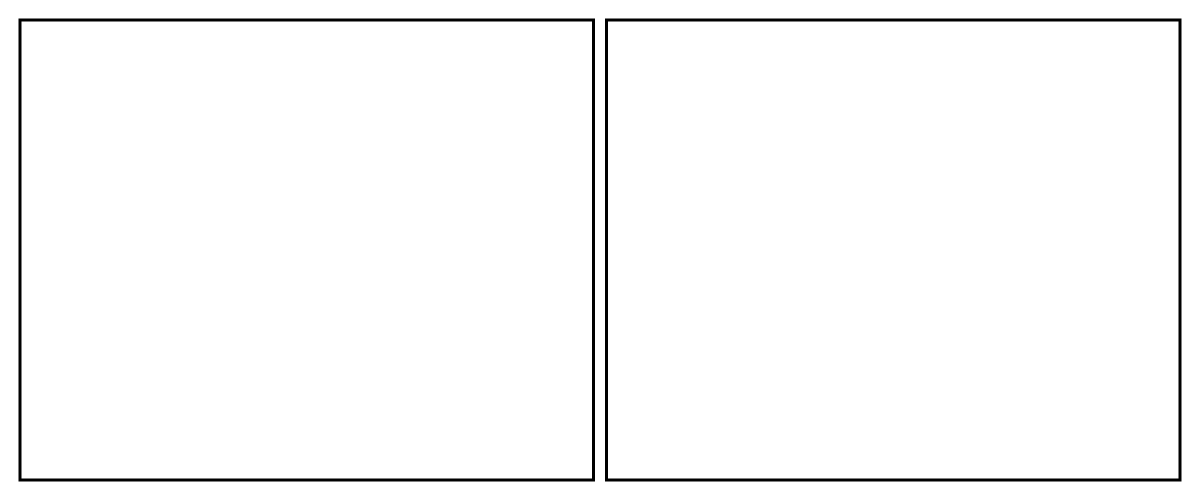
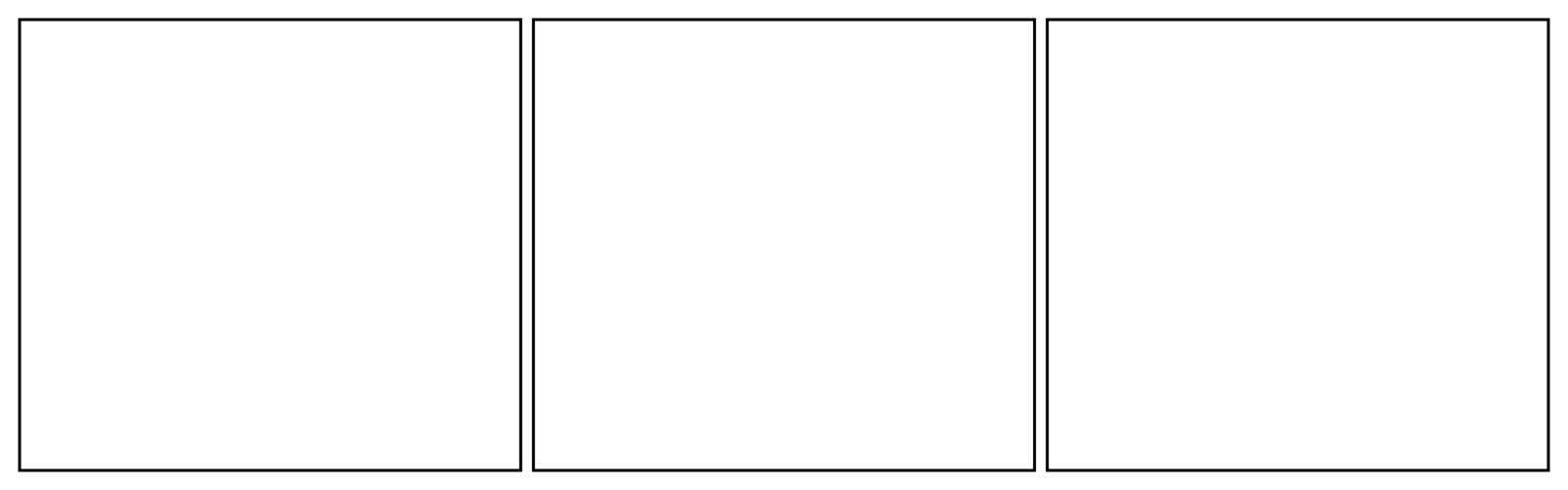
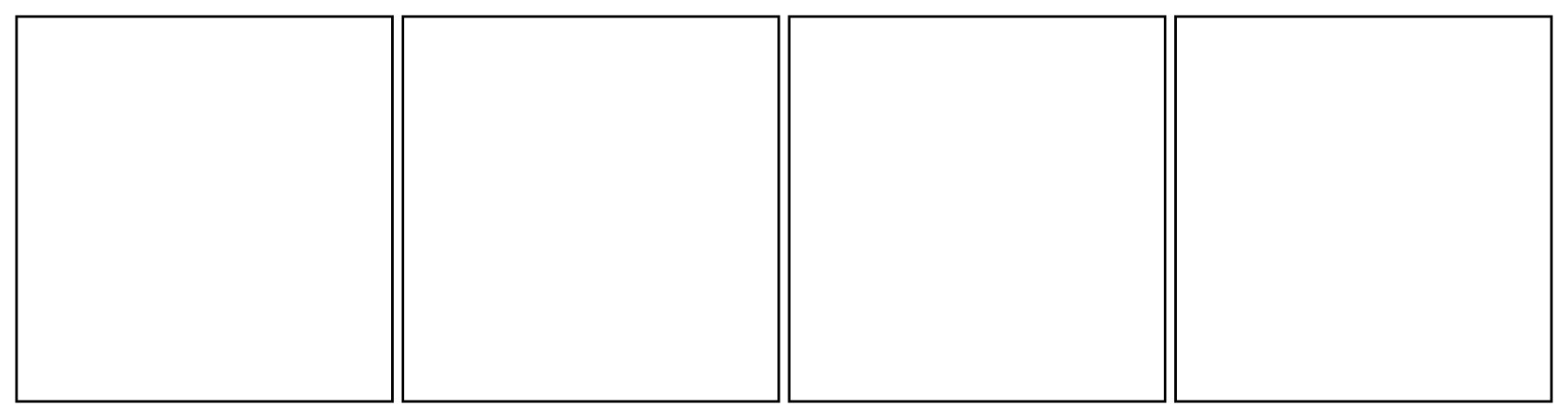
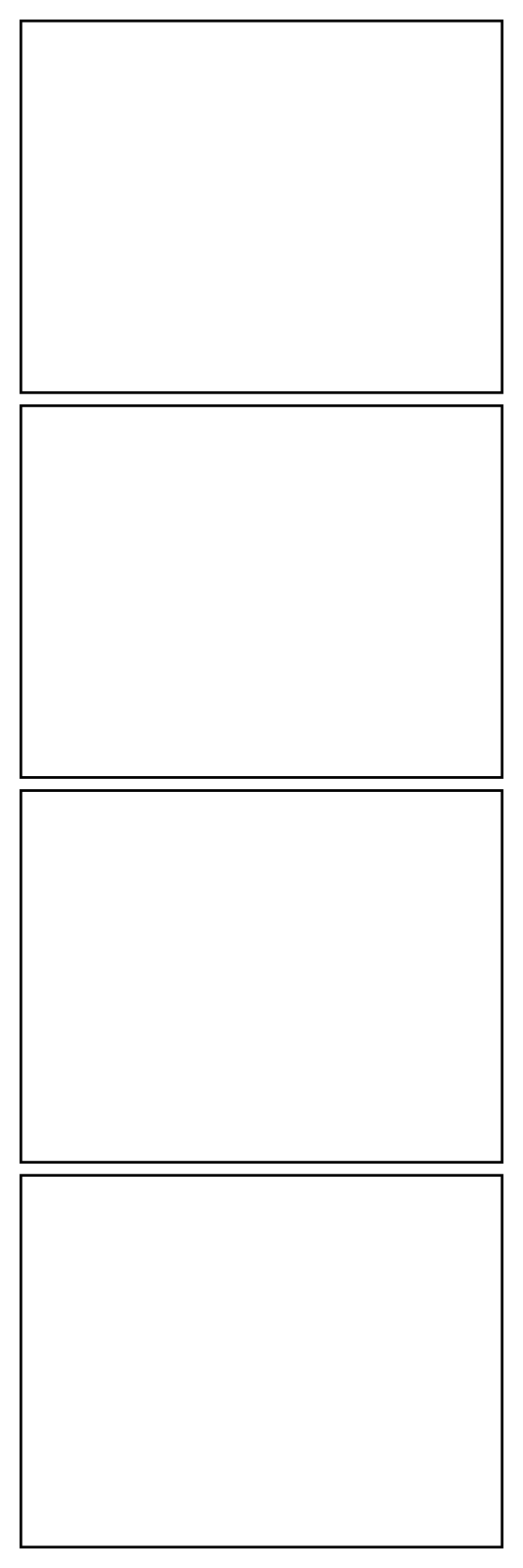
Newspaper strip · 4
Four-beat daily strip.
1800 × 480 · 4 panels
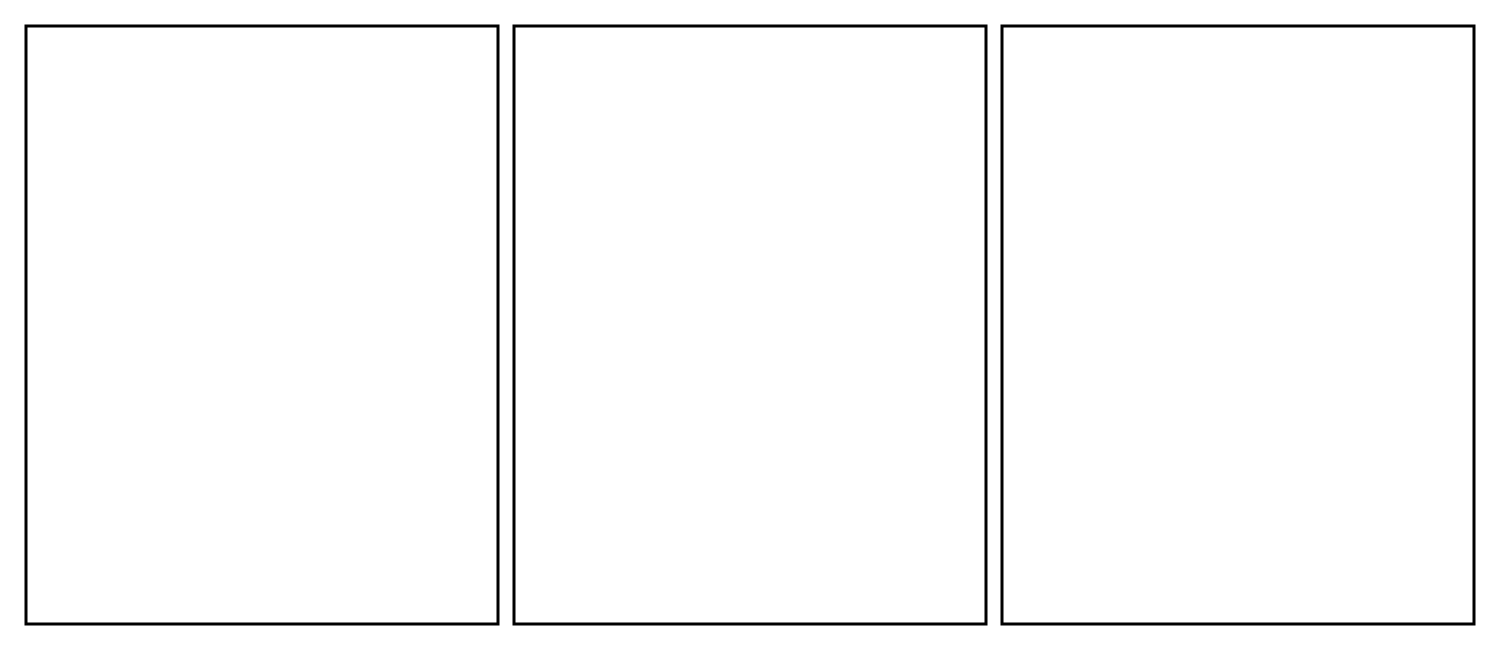
Comic book, manga and webtoon pages
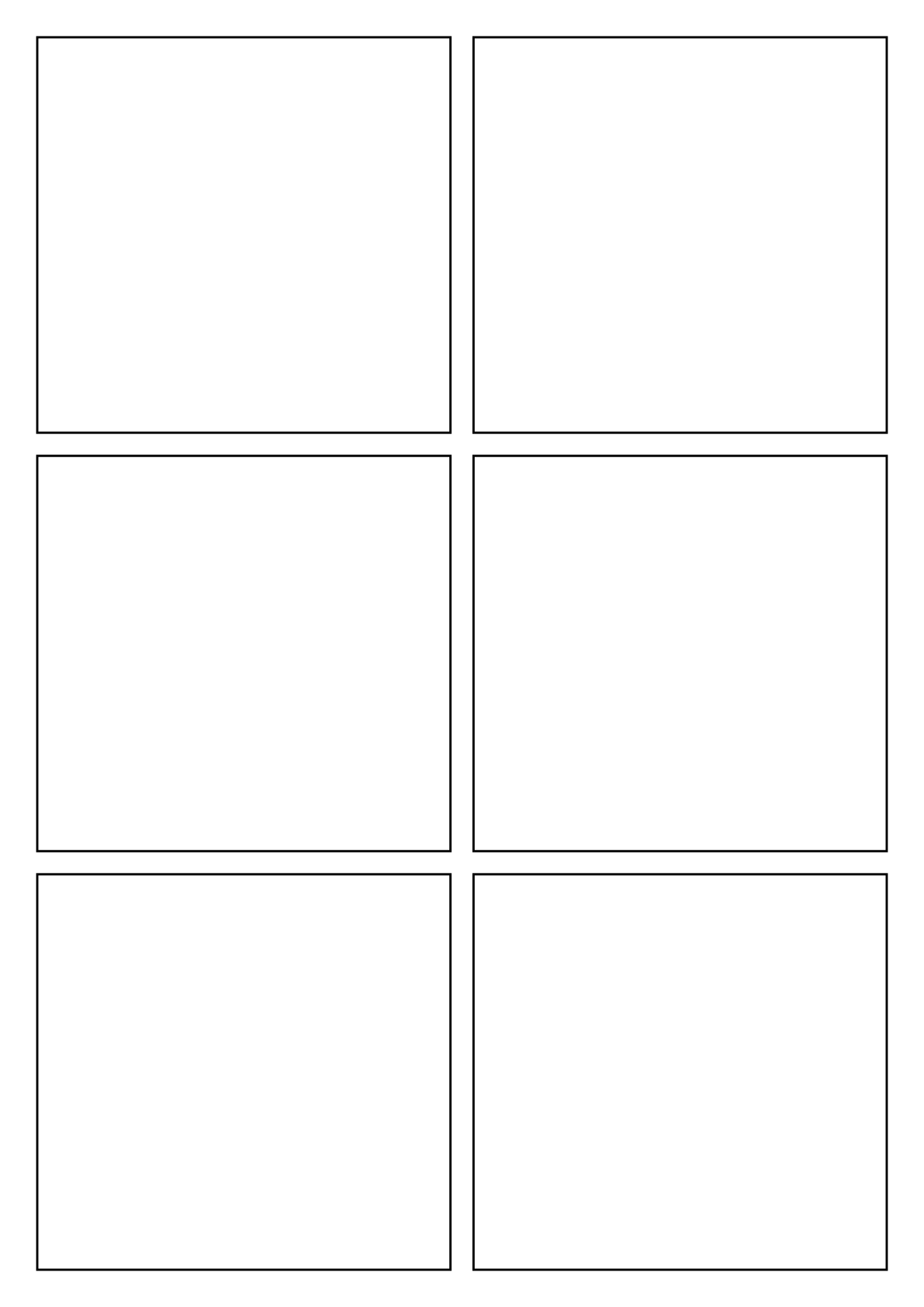
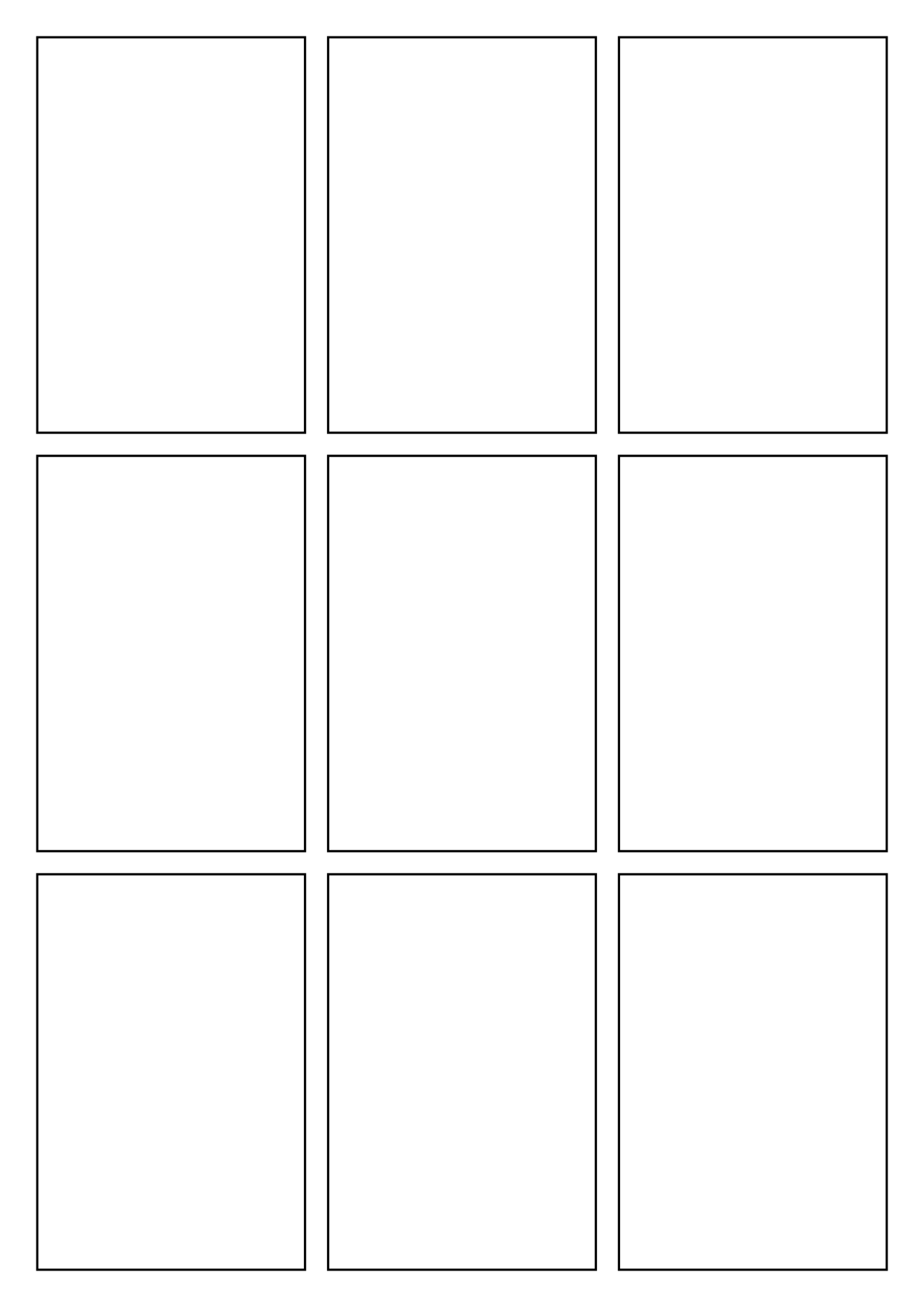
5-panel page
Wide opening over four story beats.
1240 × 1754 · 5 panels
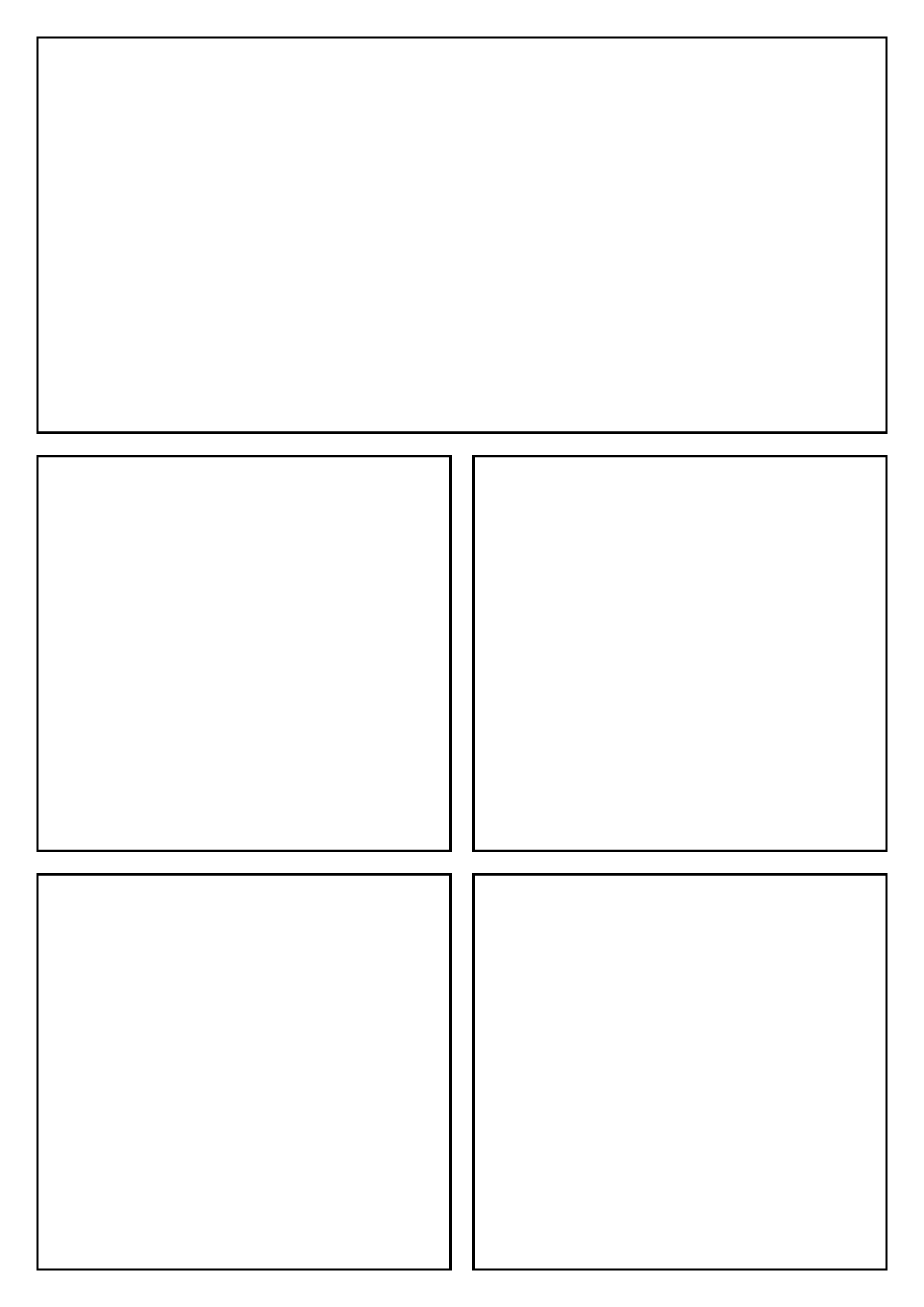
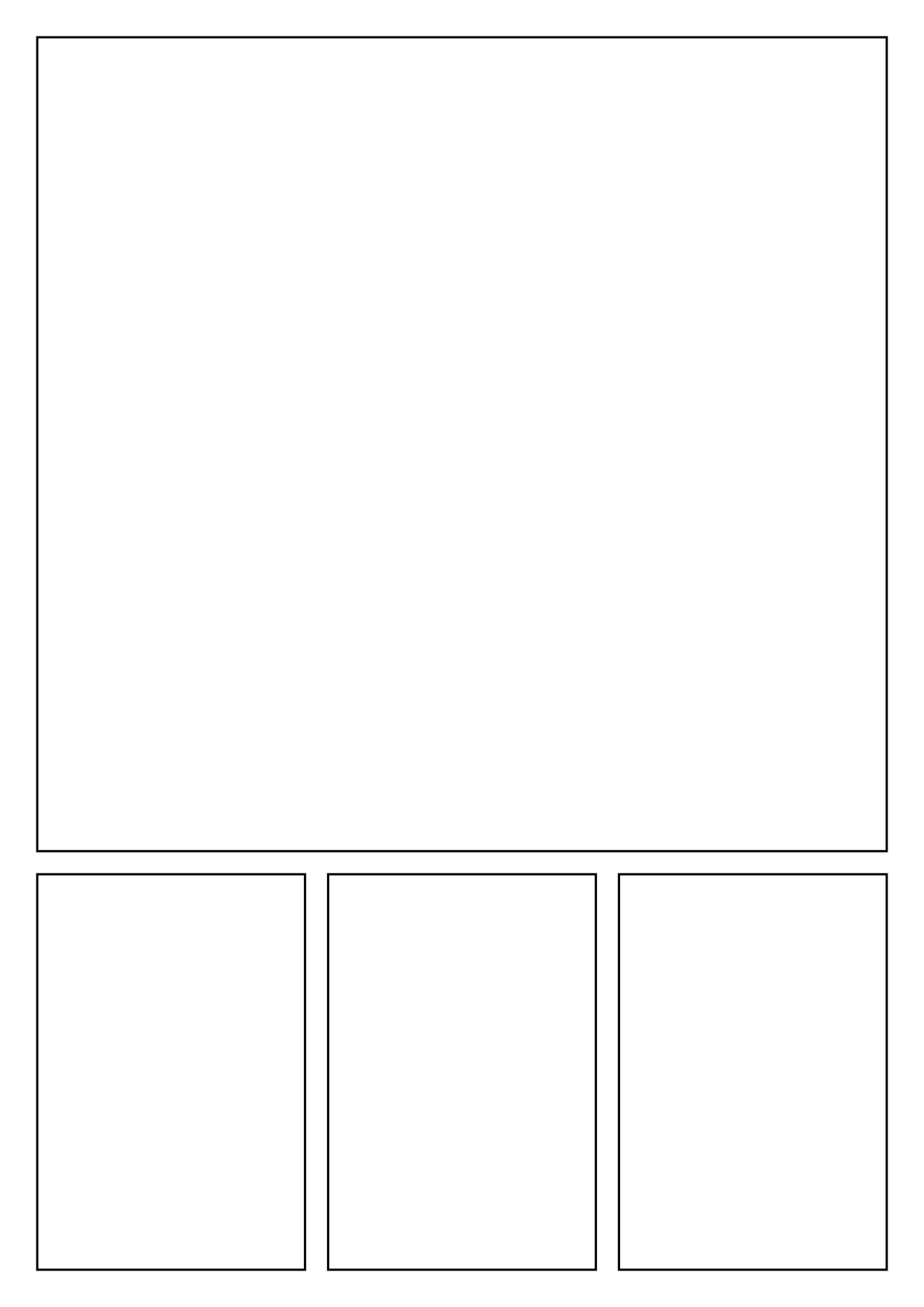
Splash + 3
One big splash panel over three small beats.
1240 × 1754 · 4 panels
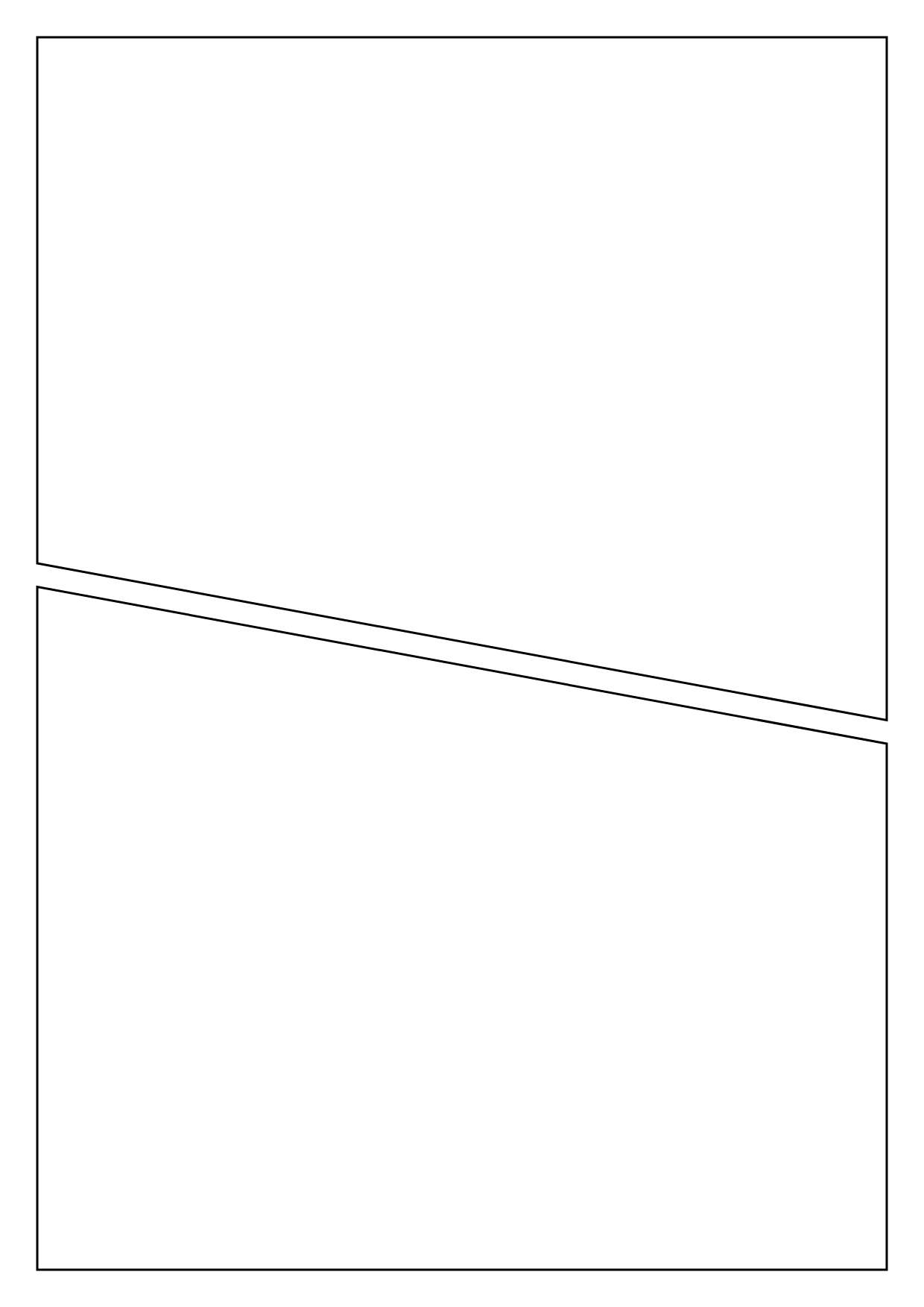
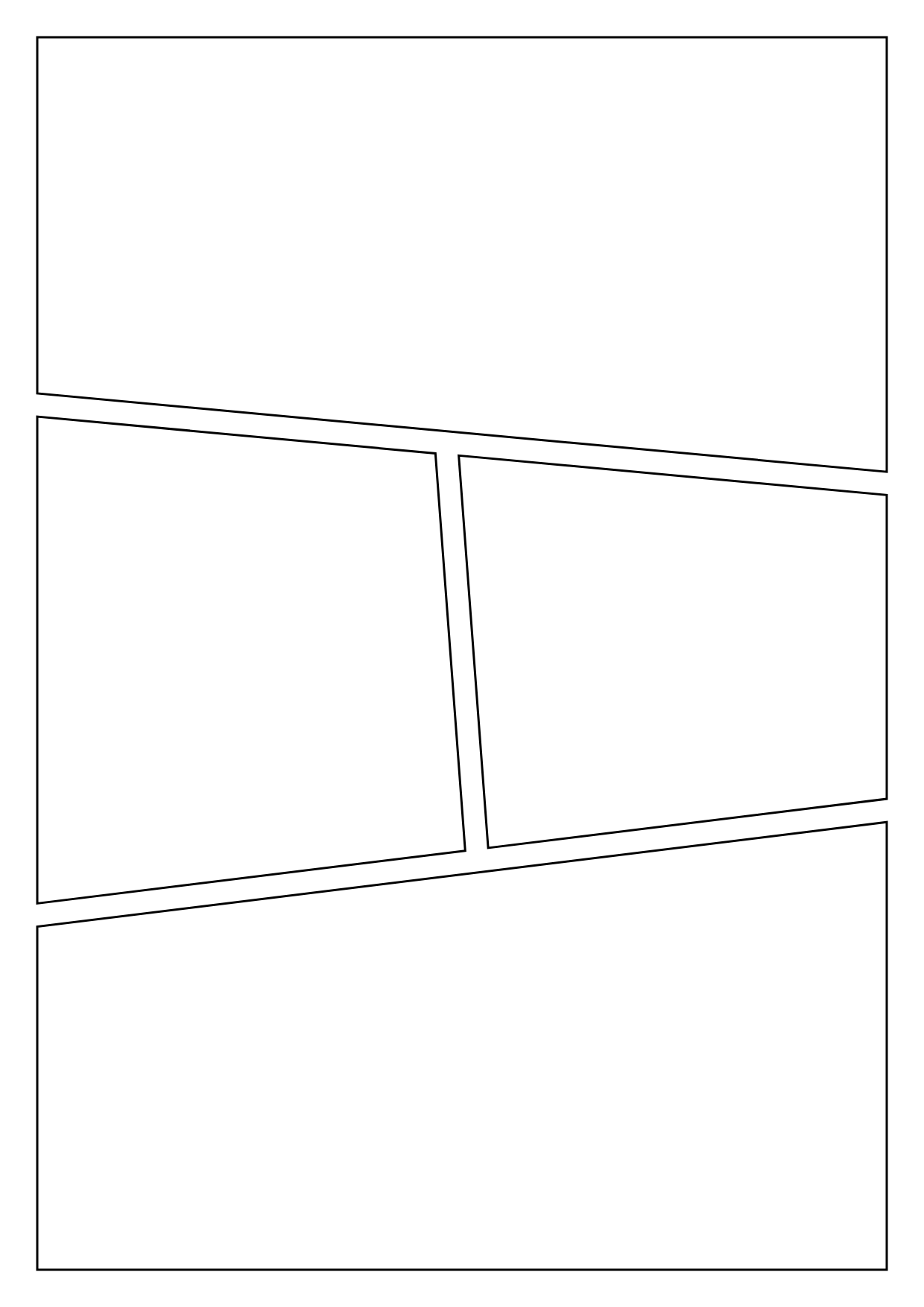
Manga slanted tiers
Wide opener, two angled beats, wide finish.
1240 × 1754 · 4 panels
Manga page · 6
Six panels for right-to-left storytelling.
1240 × 1754 · 6 panels
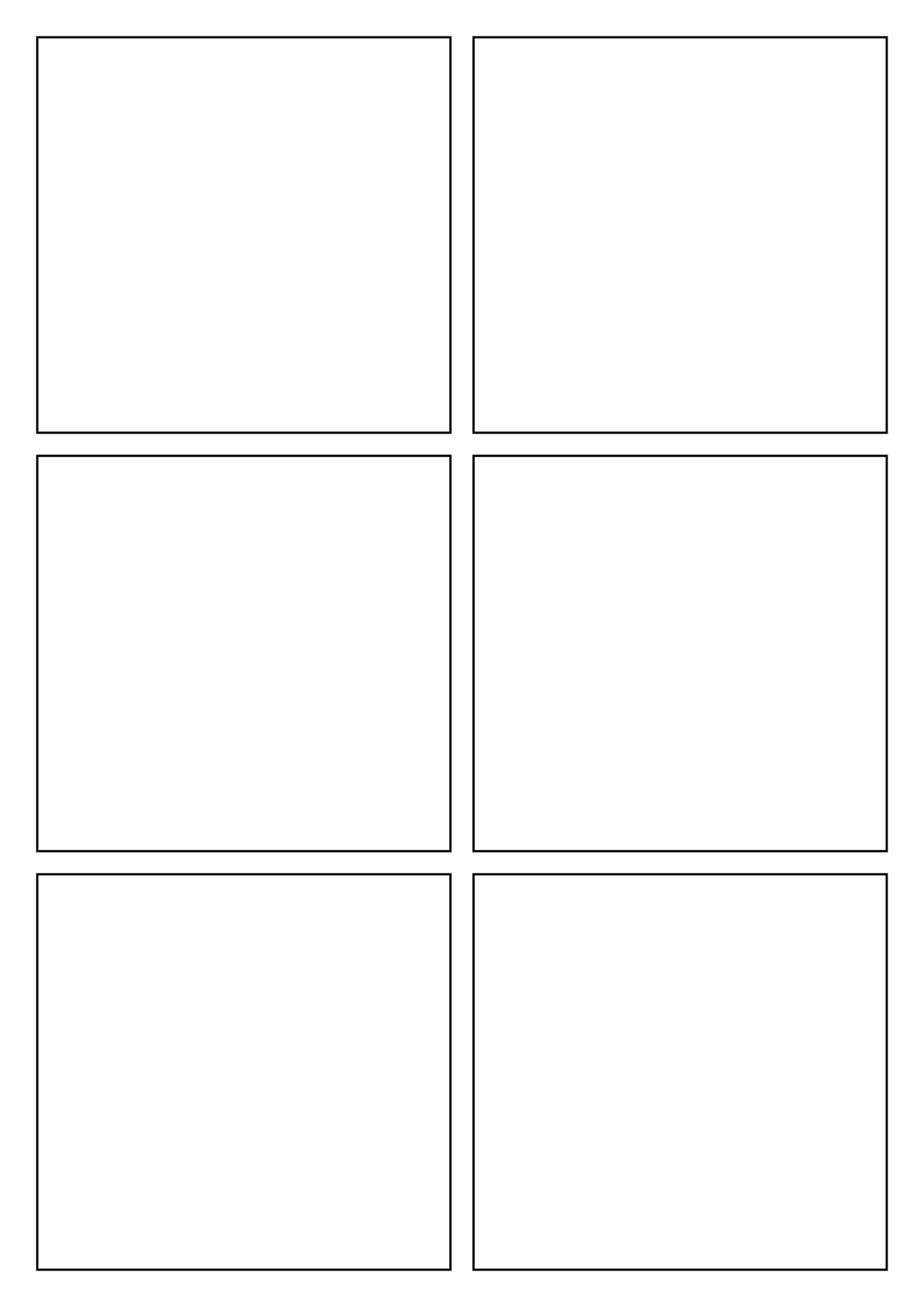
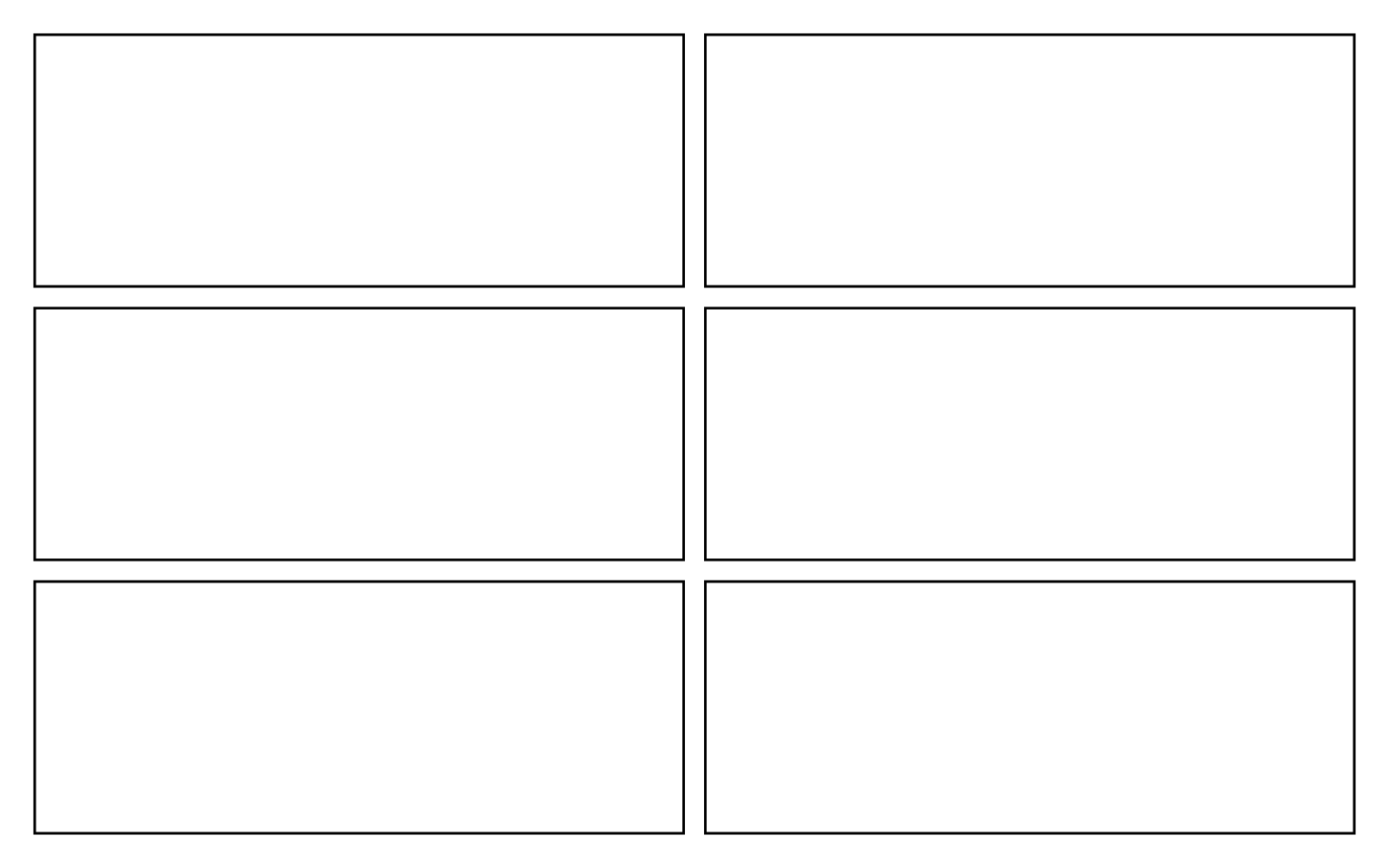
Storyboard · 6
Six wide frames for planning a sequence.
1600 × 1000 · 6 panels
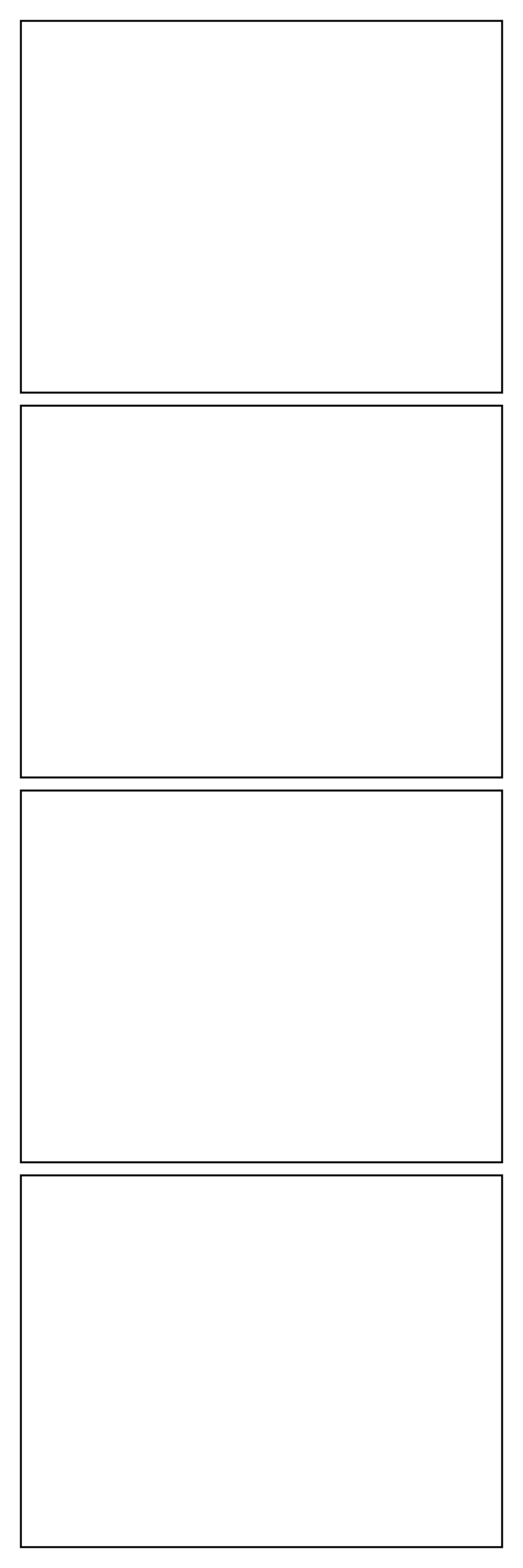
Social media formats
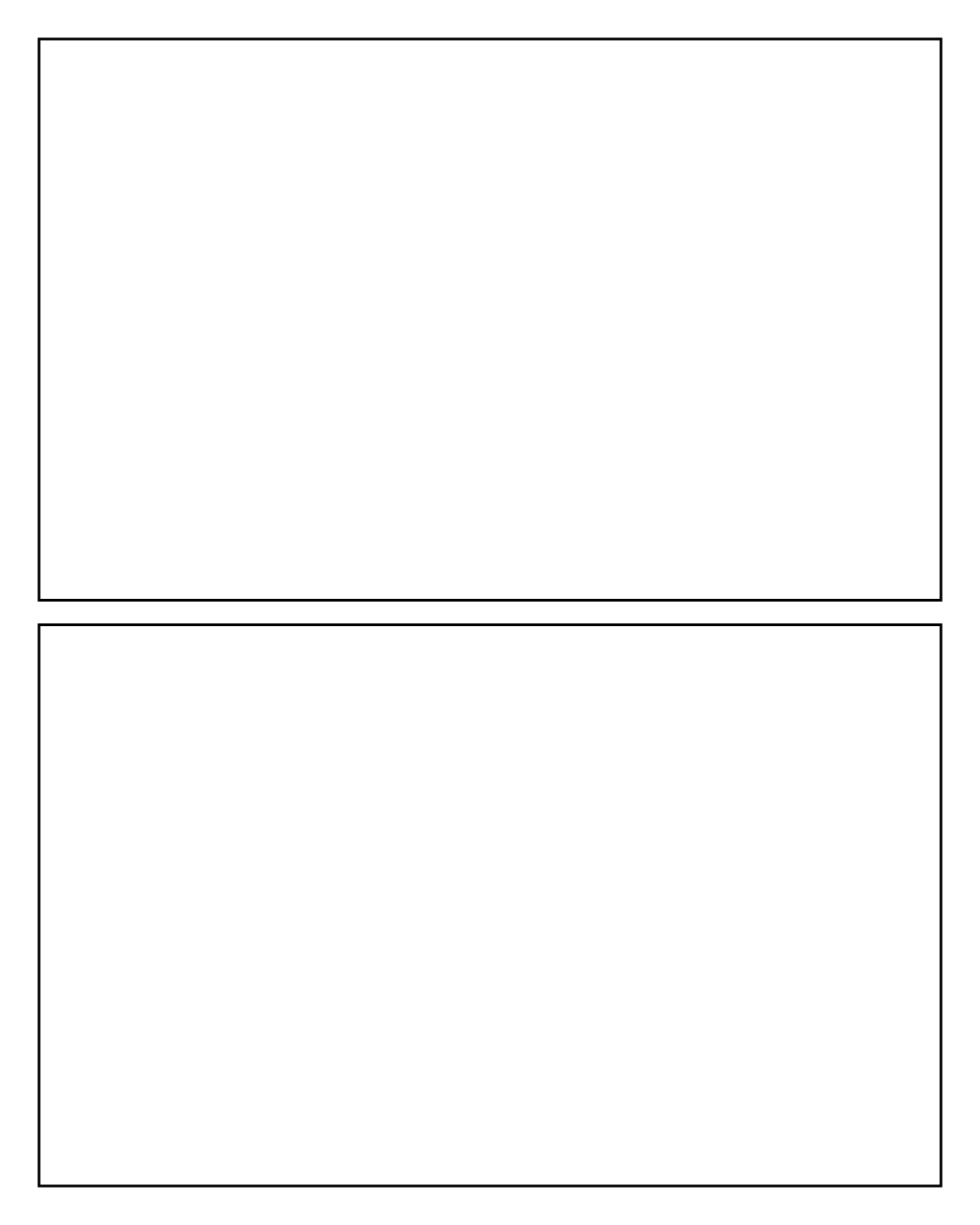
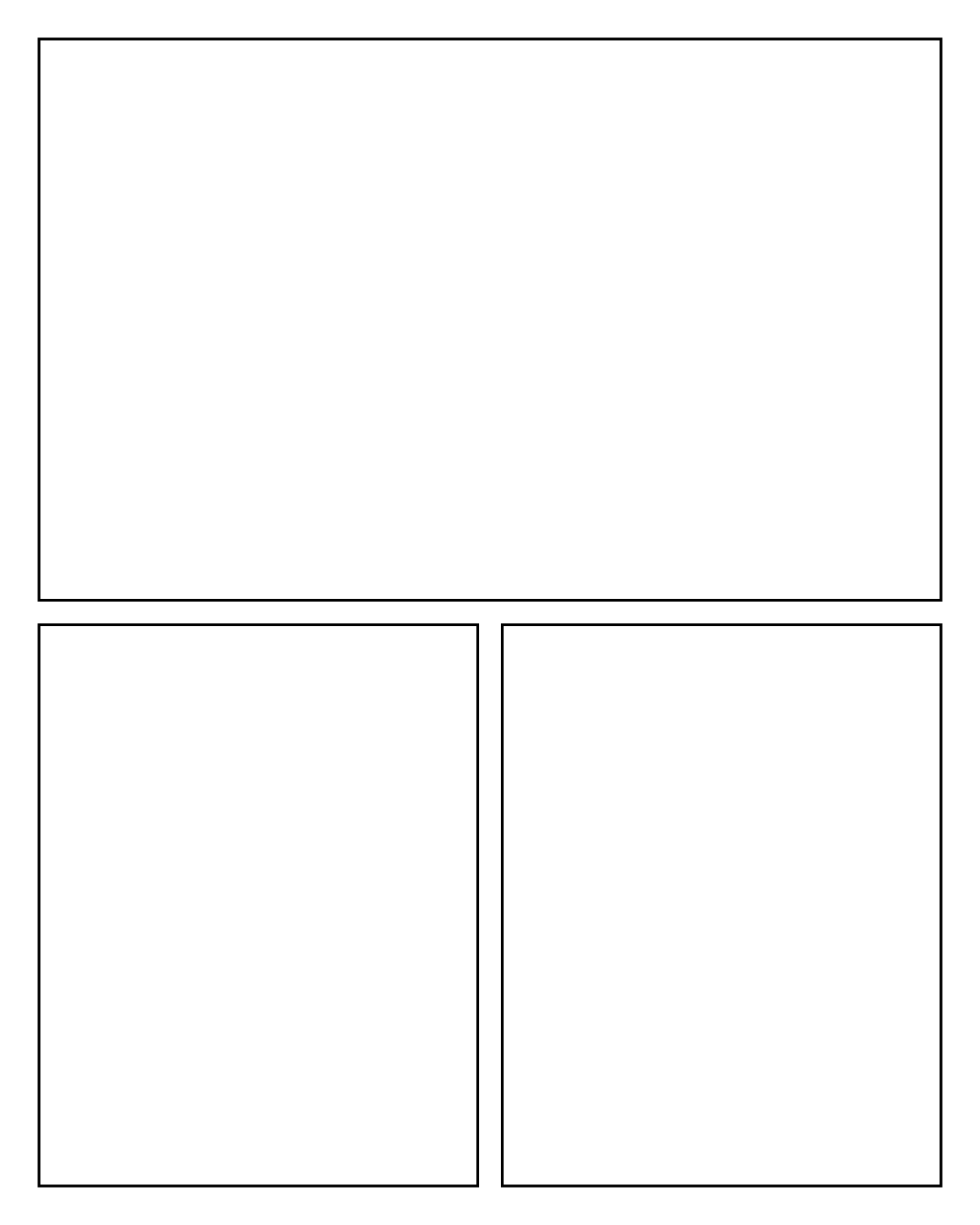
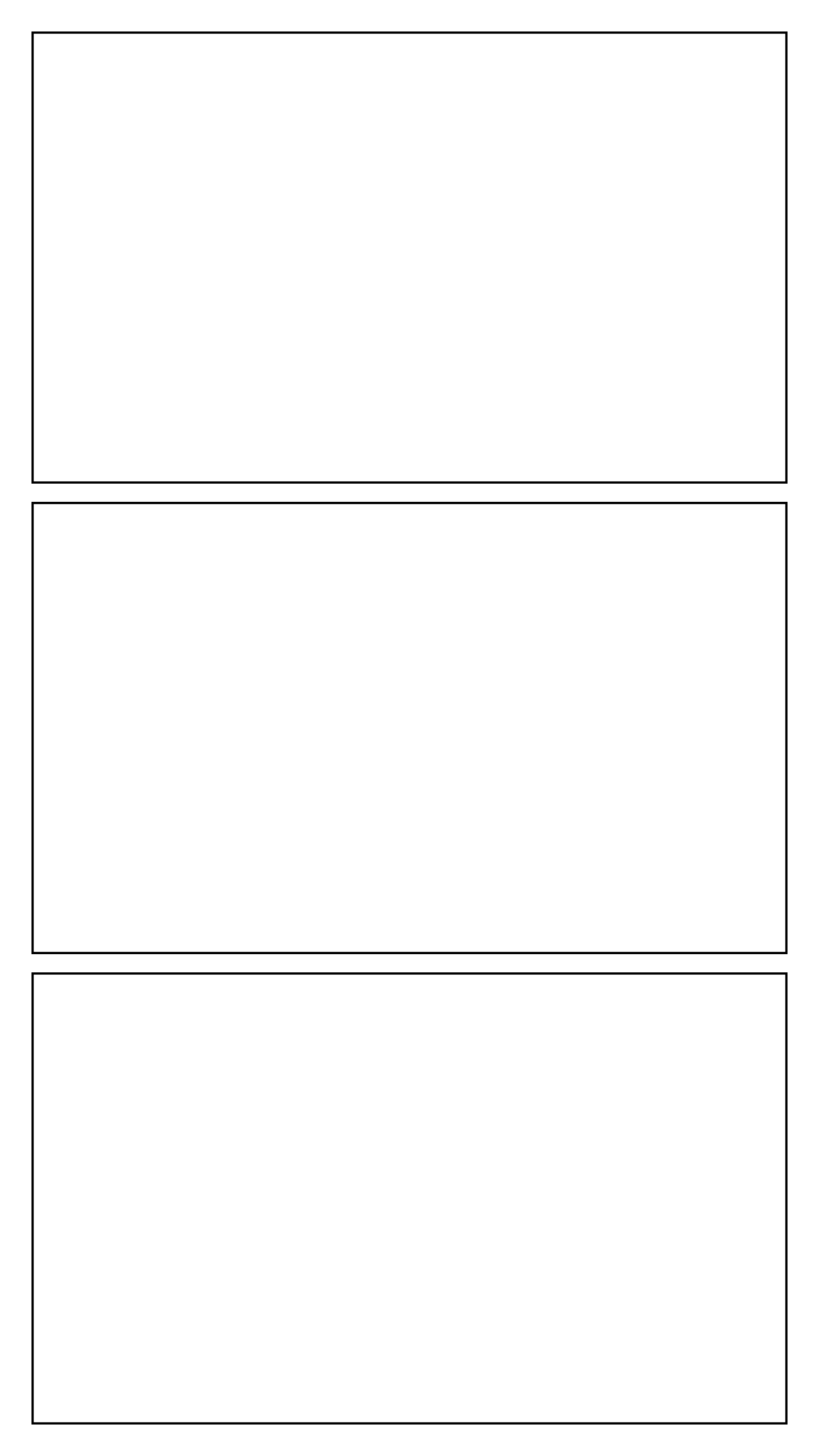
Blank canvas
Questions
Are these comic templates free?
Yes. Every blank PNG and PDF on this page is free to download and print without an account.
Which comic template should a beginner start with?
A three- or four-panel strip. It is small enough to finish in one sitting and teaches setup, turn and payoff before you tackle a full page.
What is included in a blank template download?
A page outline with panels and gutters, without characters, text or watermarks. PNG and PDF versions use the same panel geometry as the editor.