Comic book page templates
A page is more than a container for panels: its arrangement sets the pace. Choose a regular grid for a steady sequence, a wide opening for a location, or a splash for one moment that needs the whole page.
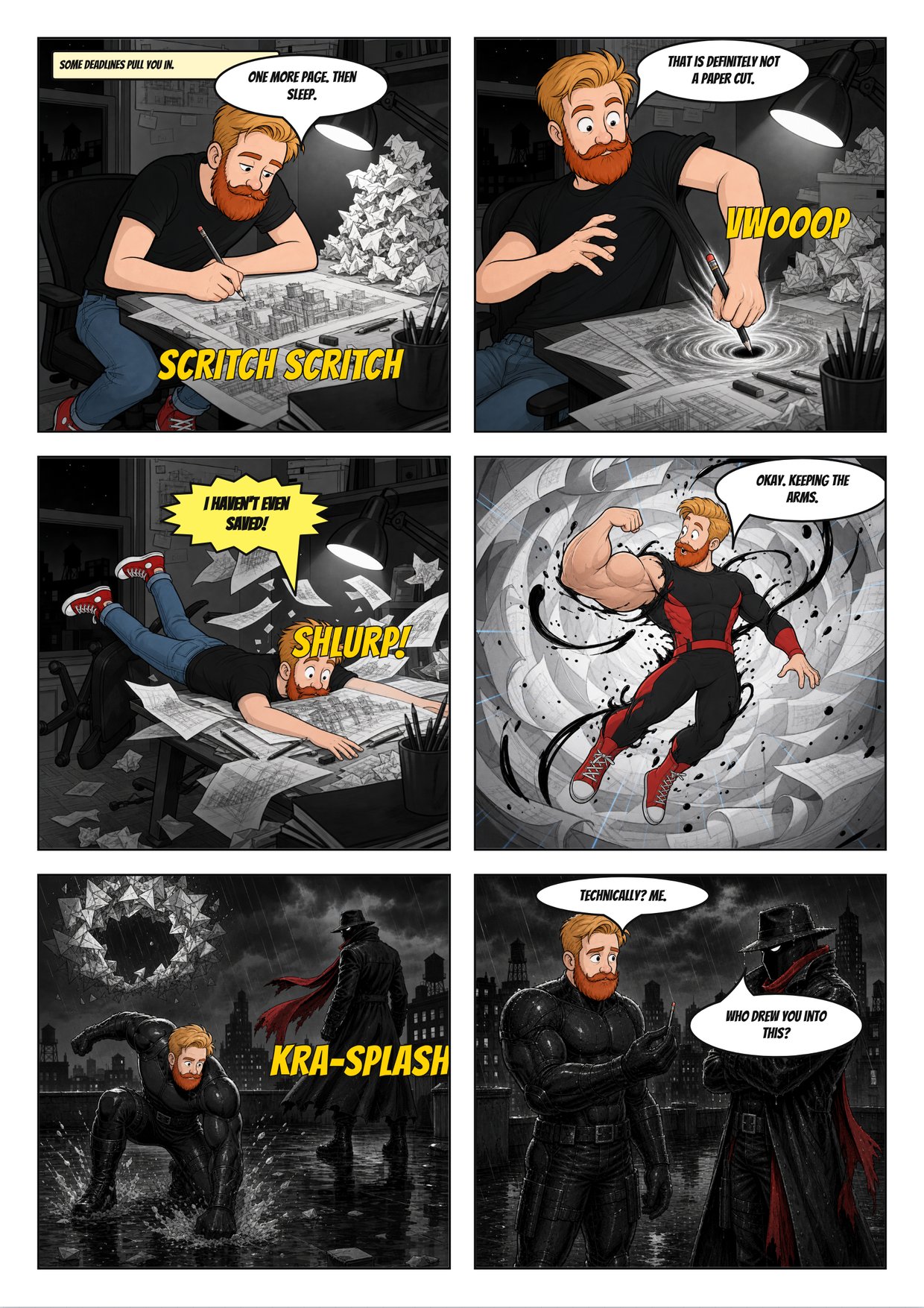
Choose your page rhythm
Six panels give dialogue and action a balanced grid. Nine smaller panels can slow a moment into close observations, but each has less space for lettering. A five-panel page begins with a wider frame before settling into smaller beats. A full splash trades sequence for impact.
Page turns and reveals
Save a surprise for the first image after a page turn when the physical sequence allows it. End the preceding page with a question or an interrupted action. A reveal at the bottom of an already visible page may be seen before the reader reaches it.
Gutters and reading flow
Keep a clear path across each row before moving down. Wide gutters can separate scenes; consistent gutters keep a conversation connected. Sketch speech bubbles early and place them in reading order. These A4-proportioned outlines are planning templates, not a promise of print-ready bleed.
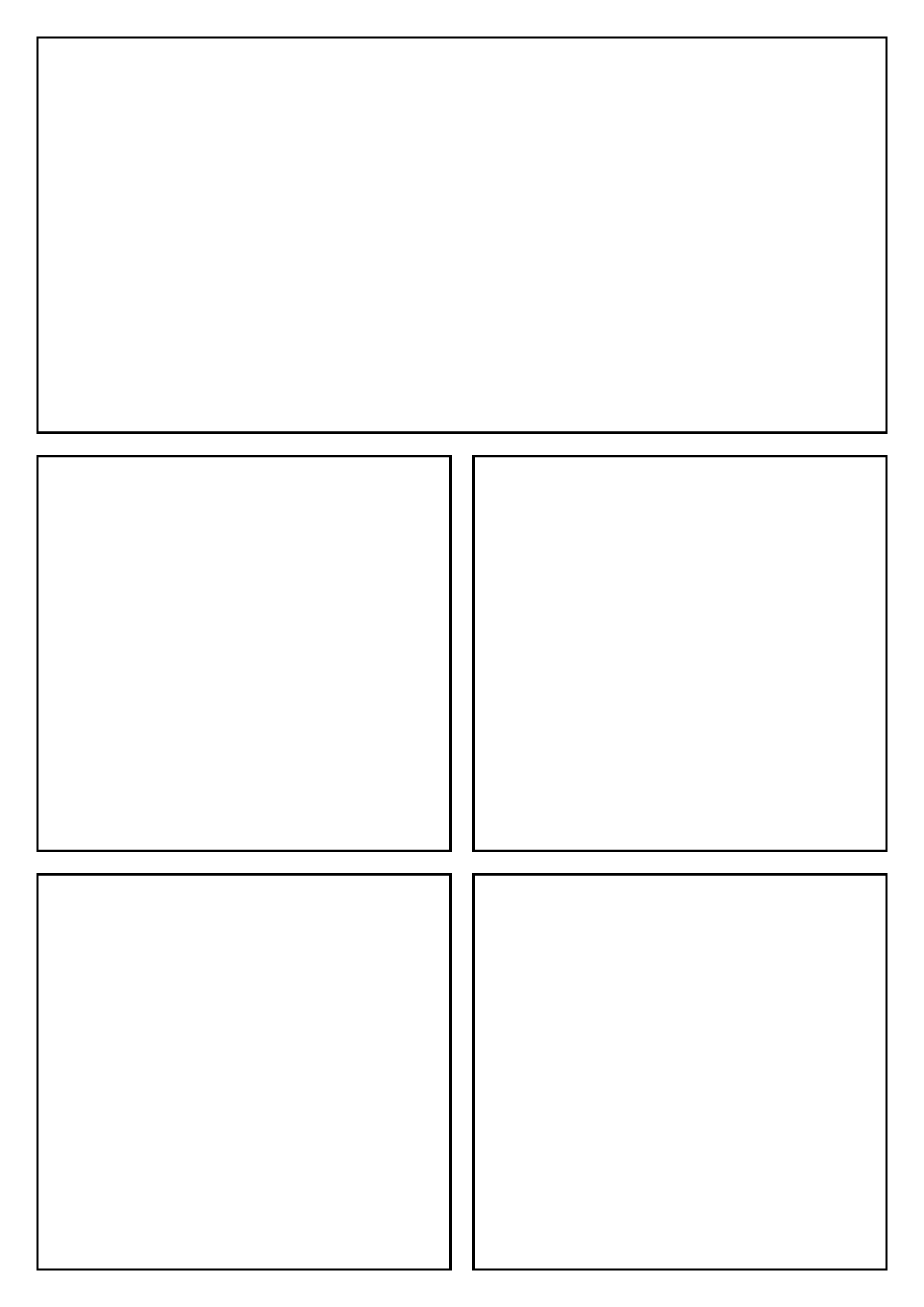
Five panels with a wide opening
Pick five panels to establish a location before four closer story beats.
1240 × 1754 · 5 panels
Open in Comic Creator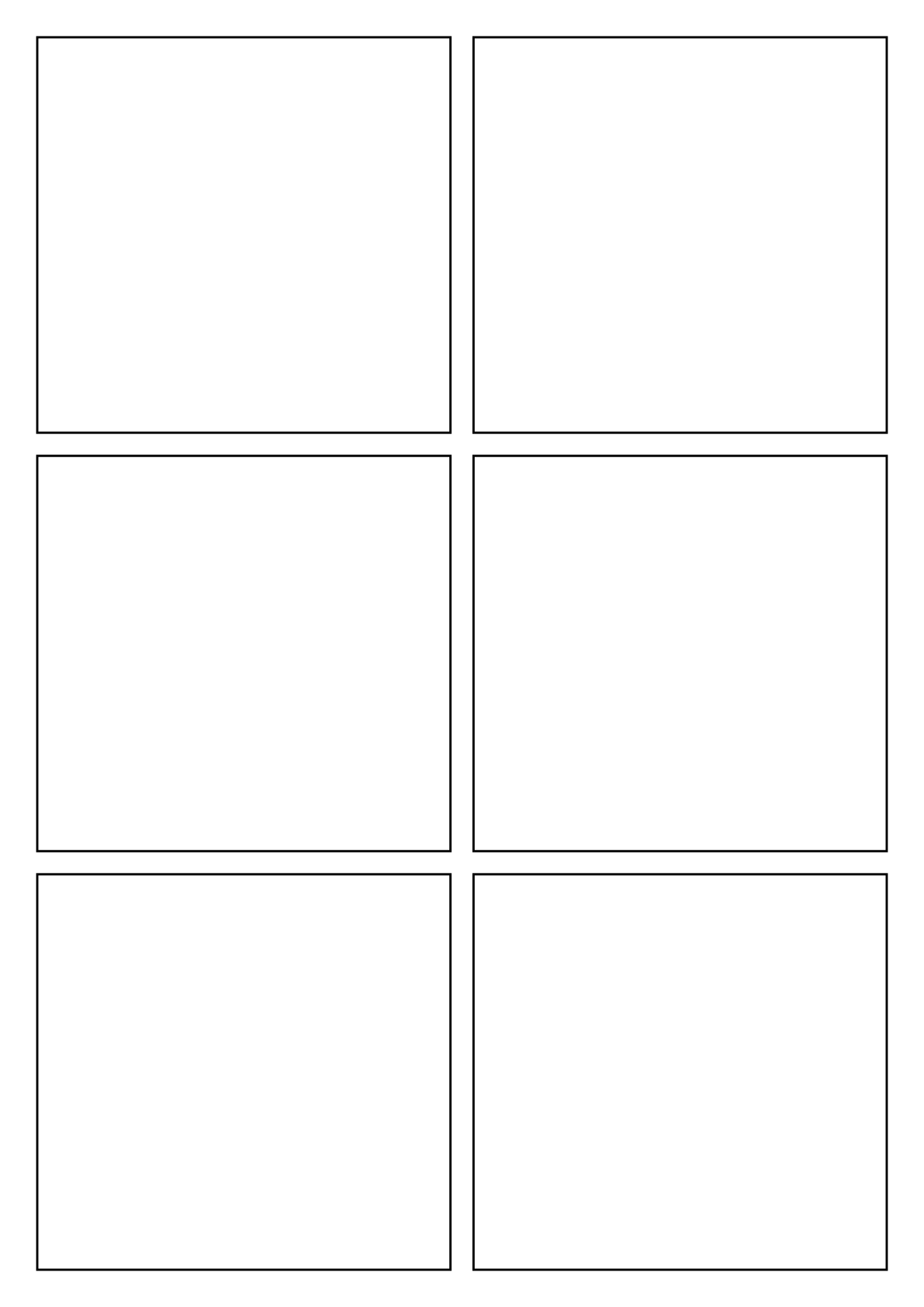
Six-panel grid
Choose the six-panel grid for a balanced dialogue or action page.
1240 × 1754 · 6 panels
Open in Comic Creator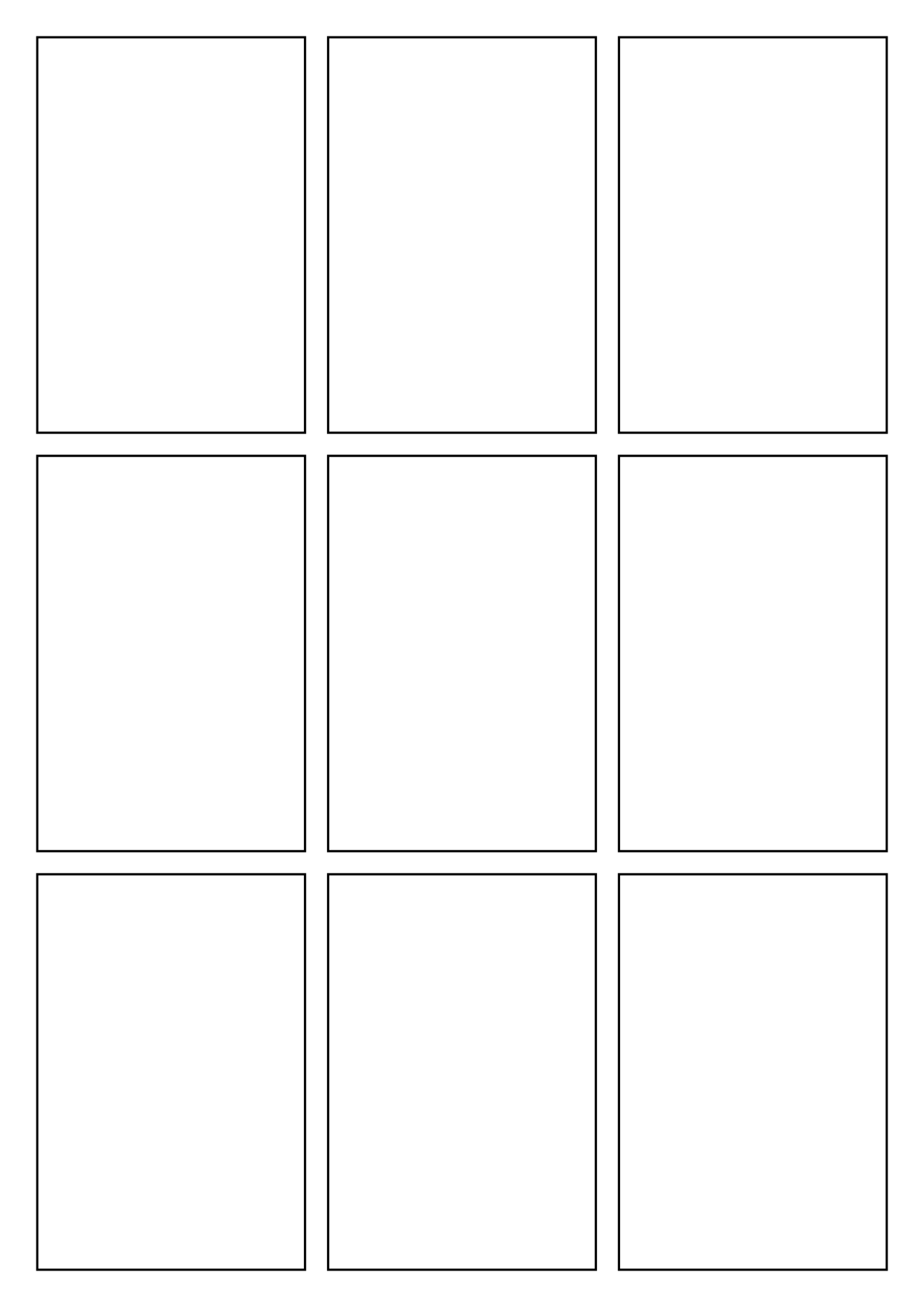
Nine-panel grid
Use nine panels for repeated framing, detailed timing or a slow reveal.
1240 × 1754 · 9 panels
Open in Comic Creator
Full-page splash
Give a single dramatic image the whole page when sequence is less important than impact.
1240 × 1754 · 1 panels
Open in Comic Creator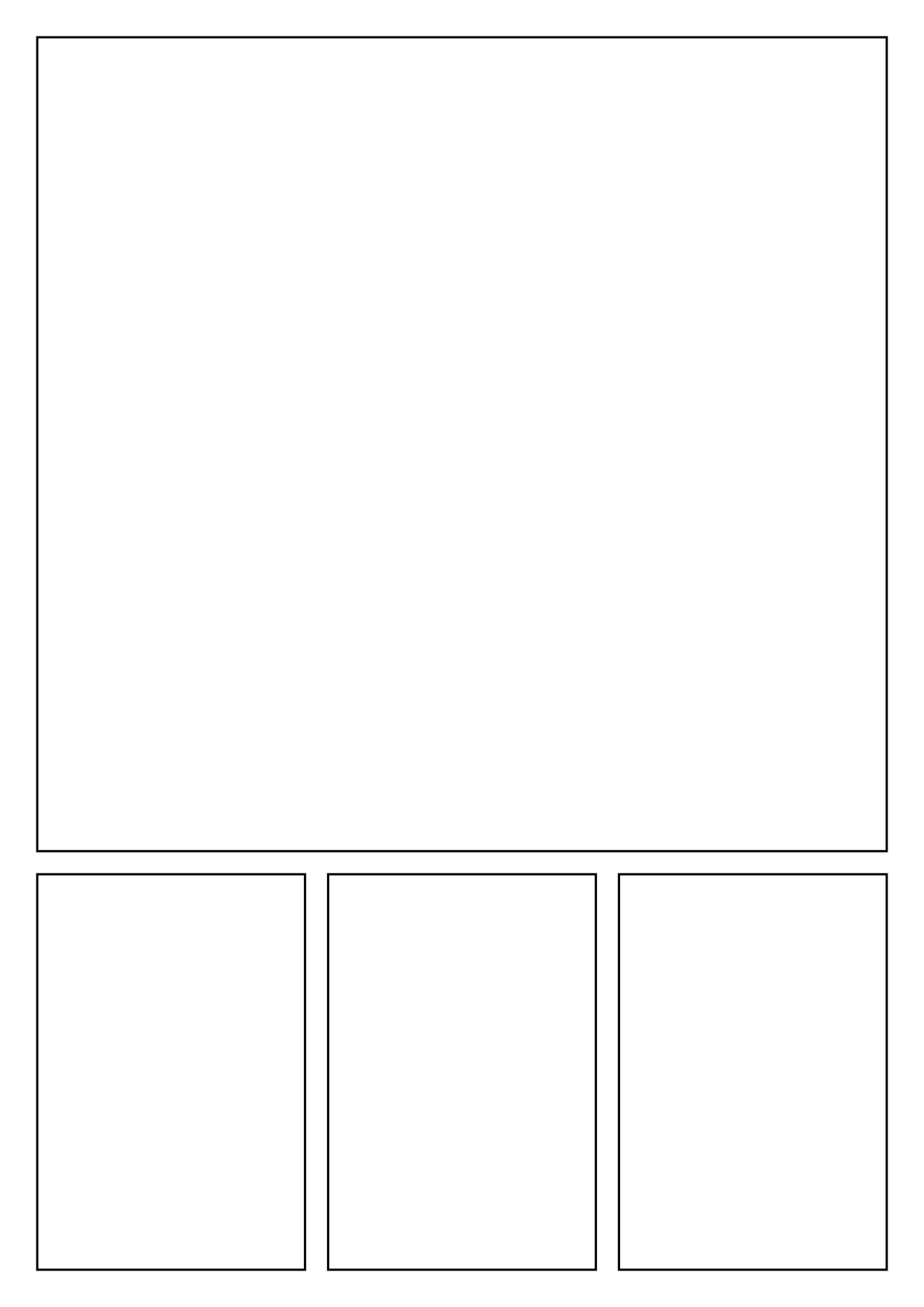
Splash with three closing beats
Choose a large opening image plus three small panels to bring the moment back into sequence.
1240 × 1754 · 4 panels
Open in Comic CreatorQuestions
Is a nine-panel page harder to letter?
It can be. Each panel has less room, so keep dialogue concise and plan bubble placement before filling the artwork.
Are these comic pages print-ready with bleed?
No. They are blank planning outlines. A printer’s trim, bleed, colour and resolution requirements must be checked separately.