AI Comic Maker for Writers Who Can't Draw
Write the script. Pick a style. The AI generates the art, lays out the panels, and keeps your characters consistent.
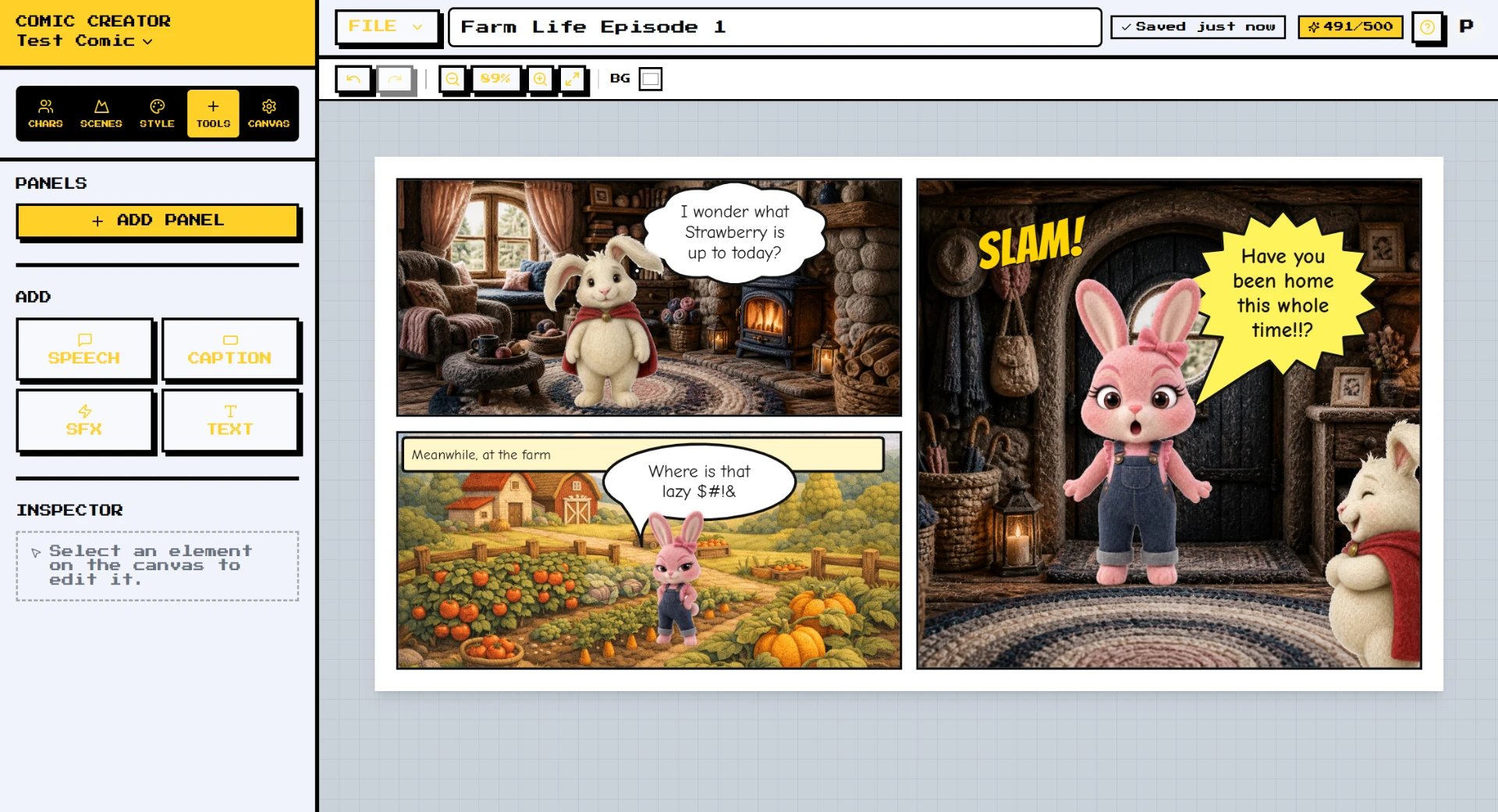
An AI comic maker should feel like having an illustrator on call. Comic Creator does. You write what happens — Panel 1: hero opens a door, sees the antagonist; Panel 2: close-up shock — and the AI delivers it, in your chosen style, with your chosen cast.
The hard problem in AI comics has always been consistency. Stable Diffusion or Midjourney can make beautiful images, but the same character across ten panels? That's where Comic Creator's character locking and style guides do the work for you.
How it works
- Describe Your Scene — Type a short prompt — a setting, a character, a moment. Comic Creator's AI Copilot turns it into panel-ready descriptions and dialogue suggestions.
- Generate AI Panels — Generate characters, backgrounds, and full panels with AI image generation. Lock in a character so they stay consistent across every frame.
- Edit & Style — Drag panels, swap layouts, add speech bubbles, captions, and sound effects. Apply a style guide so the whole comic feels cohesive.
- Export & Share — Export in sizes built for Instagram, TikTok, Webtoon, print, or PDF. Publish, post, or send to a client in one click.
Features
- AI Image Generation — Generate any character, background, or prop from a text prompt. No drawing required.
- Character Consistency — Save characters to your library so they look the same in every panel of every comic.
- Speech Bubble Editor — Drag-and-drop bubbles, captions, and SFX with multiple styles for every emotion and tone.
- Copilot Assistant — An AI writing partner that drafts dialogue, suggests beats, and helps you finish stories.
- Style Guides — Lock color palette, line weight, and art style so every panel and every page matches.
- Export for Anywhere — Instagram squares, vertical reels, Webtoon strips, print PDFs — one click to the right size.
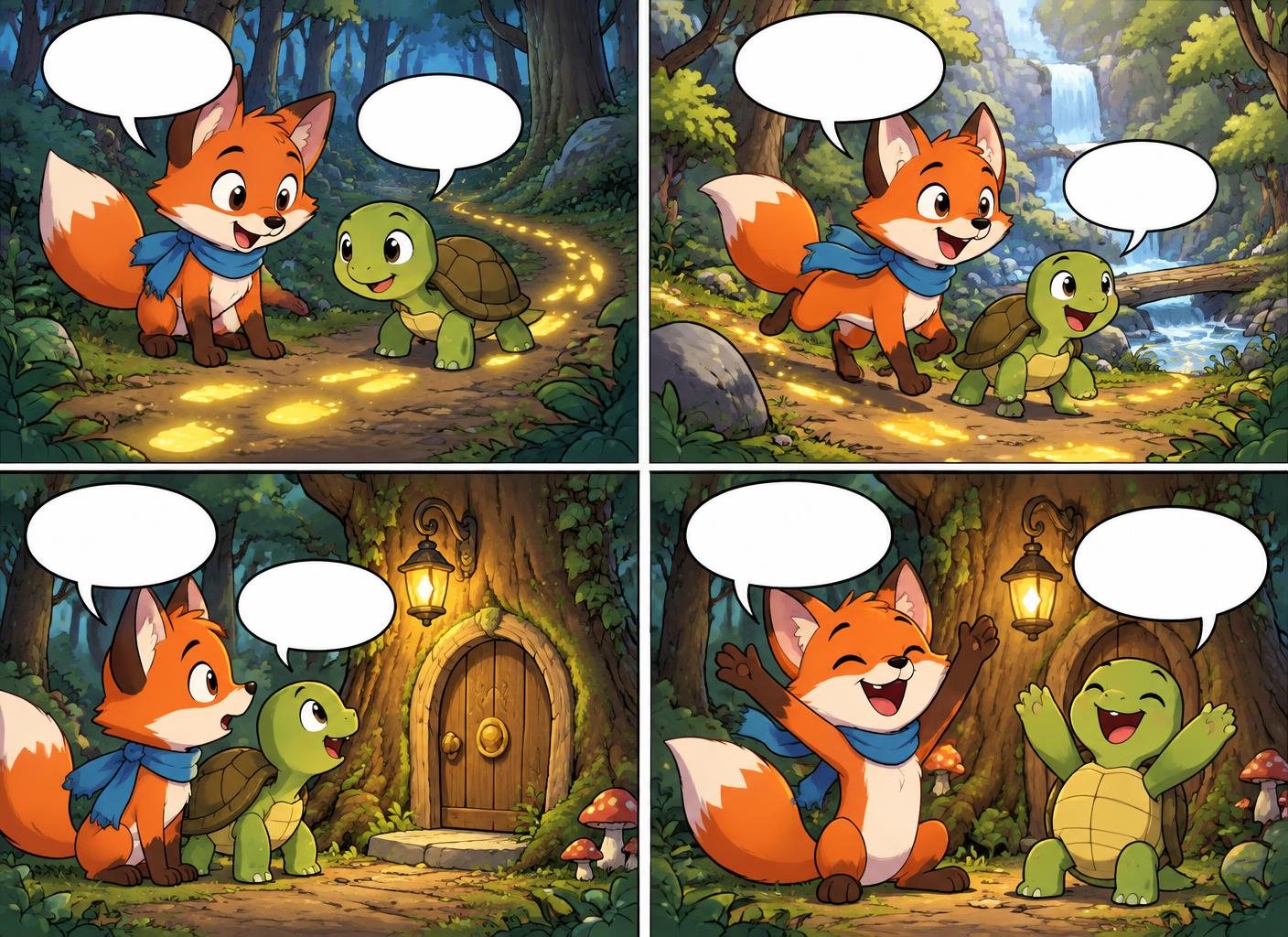
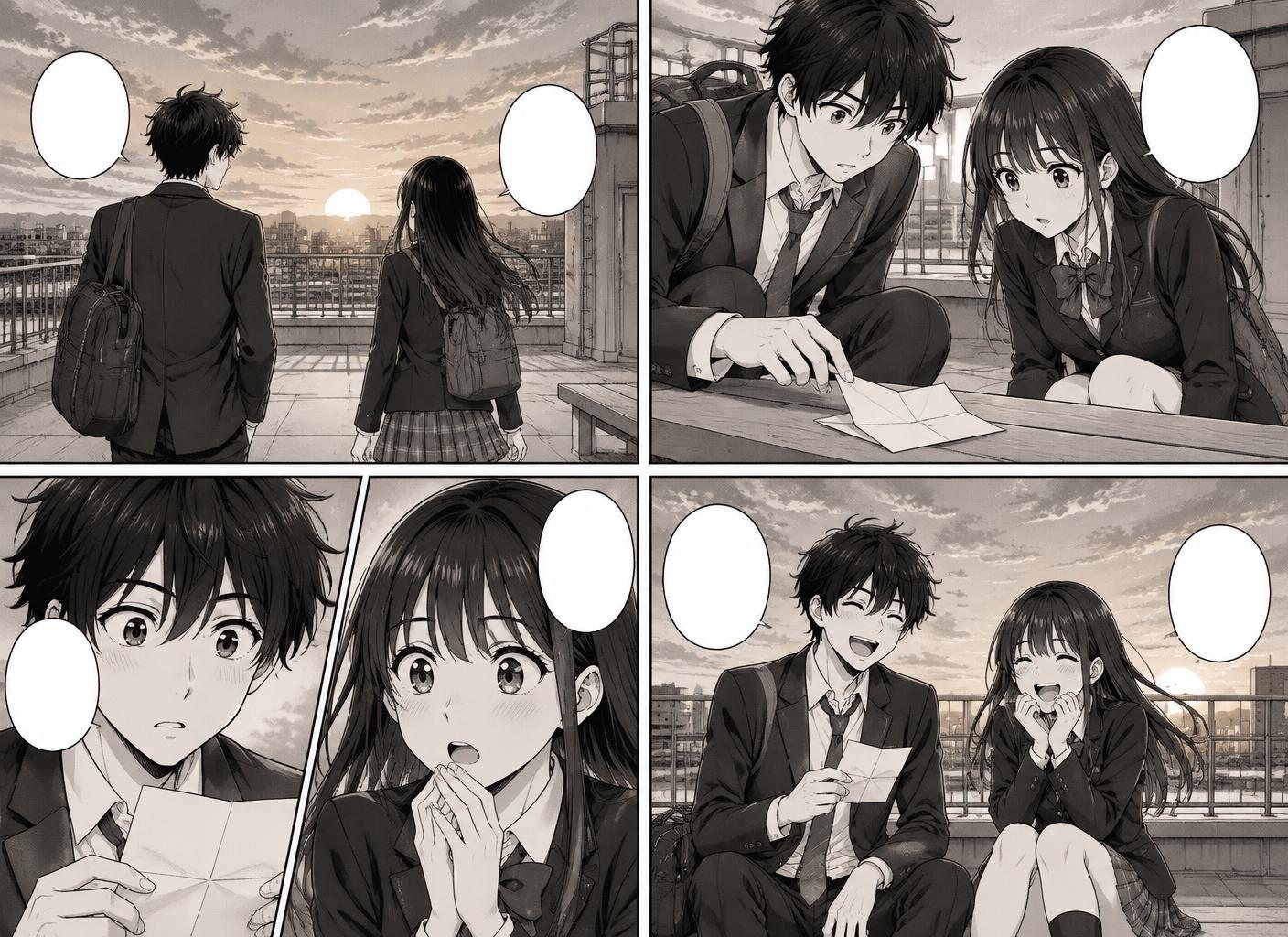
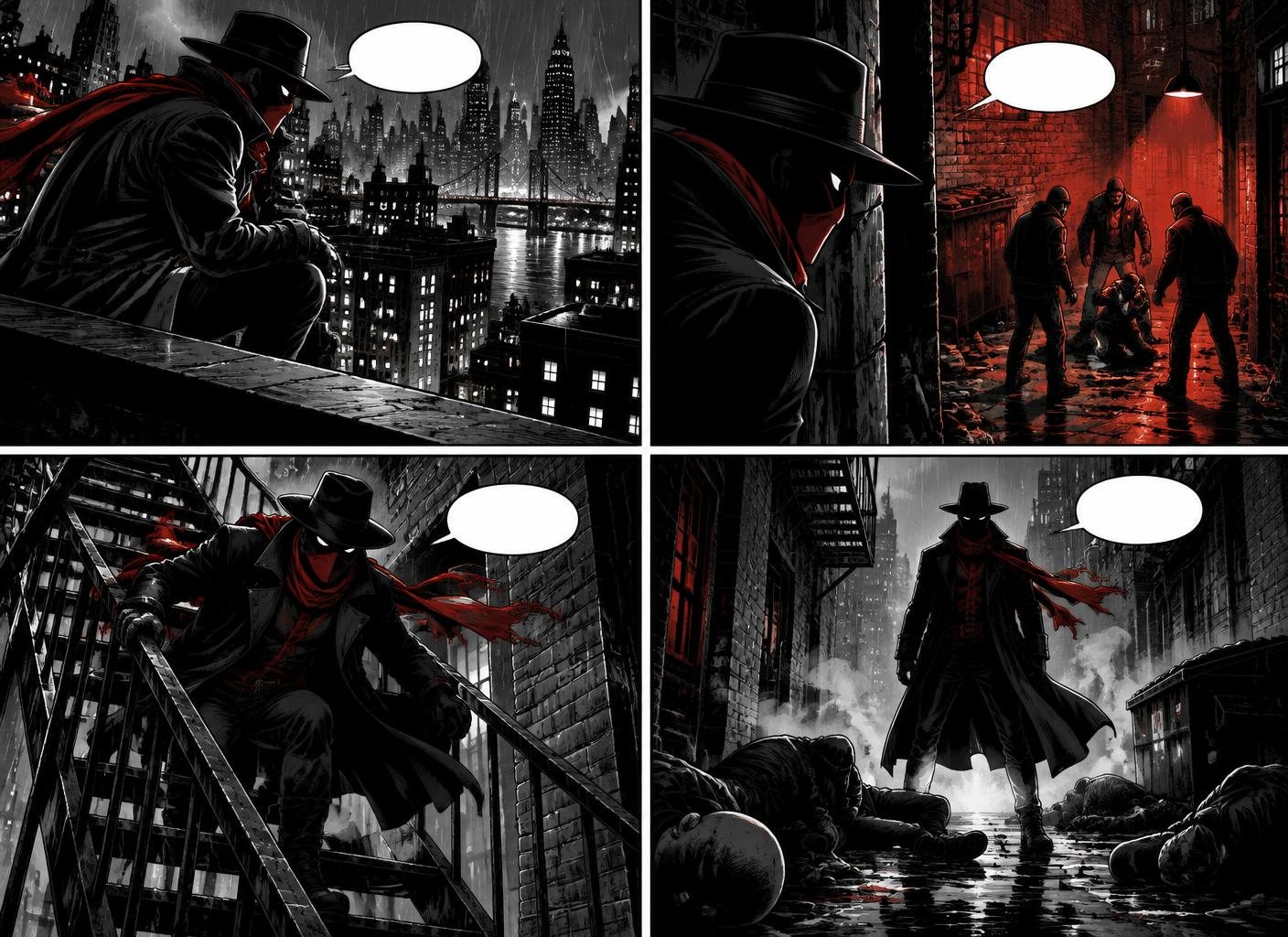
Examples made in Comic Creator
Who it is for
- Aspiring Comic Writers — Bring scripts to life without learning to draw or budgeting for a collaborator.
- Solo Game Devs — Build out cutscene and codex comics for your indie game with the same characters across every page.
- Authors Adapting Books — Turn book chapters into promotional comic shorts that drive readers back to the source.
- Educators & Coaches — Teach concepts through illustrated story arcs students actually want to read.
FAQ
Do I need to know how to draw?
No. Comic Creator generates panels, characters, and backgrounds from text prompts. If you can describe a scene, you can make a comic.
Will my characters look the same in every panel?
Yes. Save characters to your library and they'll be re-used on-model across panels, scenes, and entire stories.
Is it really free to start?
Yes. You can create your first comic without a credit card. Paid plans unlock more AI generations, projects, and export options.
Can I use the comics commercially?
Yes. Review the current terms and your plan details before using generated work commercially.
How long can a comic be?
From a single panel to multi-page graphic novels. Plans differ in total panel count per month — pick the plan that matches your output.
How long does it take to make a comic?
The time depends on the number of panels and revisions. A short four-panel strip is the best place to learn the workflow.