LlamaGen Alternative: Comic Creator
Keep the AI speed, but get a comic you can still move, reword and fix panel by panel.
LlamaGen is one of the best-known AI comic generators. You start from a prompt, a character, an image or a story idea, and it generates the whole comic, webtoon, manhwa or manga. Its plans scale up to dozens of panels per prompt, plus comic-to-video and a large community gallery. If you want the AI to produce a complete comic in one pass, it is built for that.
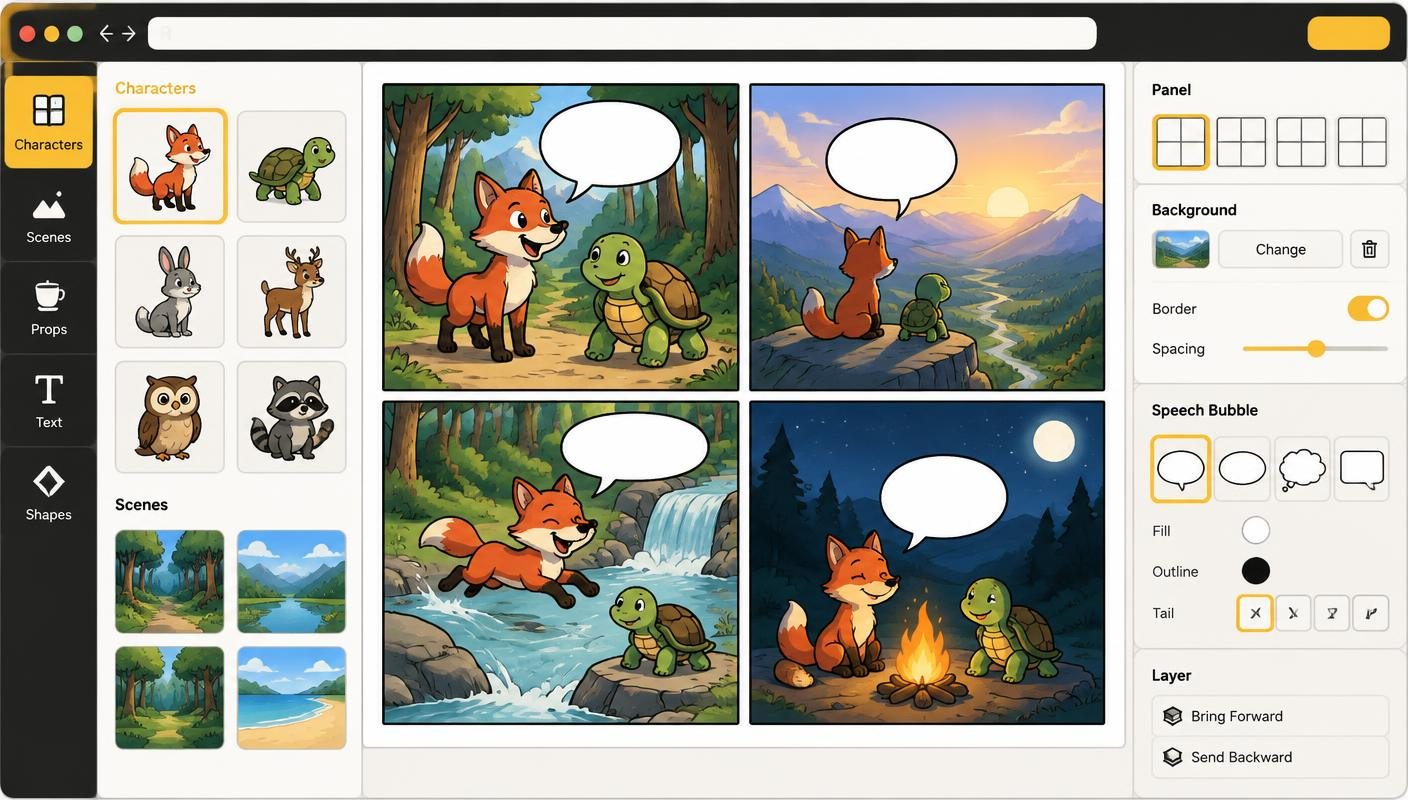
Comic Creator takes a different approach. The AI draws, and you direct. Characters and backgrounds are saved separately and reused, dialogue stays as editable lettering, and every page stays open to revision. You can still generate a whole comic from a script, and it arrives on the canvas as panels you can keep editing.
Choose Comic Creator as your LlamaGen alternative if you care more about control after generation than about volume: fixing one panel, rewording a bubble or moving a character without starting again. AI output still needs review in both tools. Character references help consistency, but neither tool can guarantee an identical character in every shot.
How it works
- Set one style for the project — Pick a style pack or write your own style guide once, so every character, background and panel shares the same look.
- Build a reusable cast — Generate characters as transparent stickers and save them. Starter and Pro add reference sets to help keep faces and outfits steady.
- Generate, then direct — Lay out panels yourself or turn a script into planned panels. Review each shot, then redo only the panels that miss.
- Letter and export — Add speech, captions and sound effects as editable text. Starter and Pro export whole comics as PDF or page PNGs.
Features
- Edit after generation — Characters and backgrounds stay separate layers, so you can move, resize, crop or reorder them without generating again.
- Lettering that stays text — Speech bubbles, captions and SFX are never baked into the art. Changing a line costs no credits.
- Per-panel redo — Redo the art for one script panel and keep the rest. Earlier versions are kept so you can switch back.
- Looks that carry forward — Note a new outfit or injury in one panel and later panels keep it when you redo their art.
- Fix one detail — Mask part of a character and describe the change with Fix Part for 1 credit; reverting is free.
- Multi-page comics — Add, duplicate and reorder pages: Free up to 4 per comic, Starter 24, Pro 64.
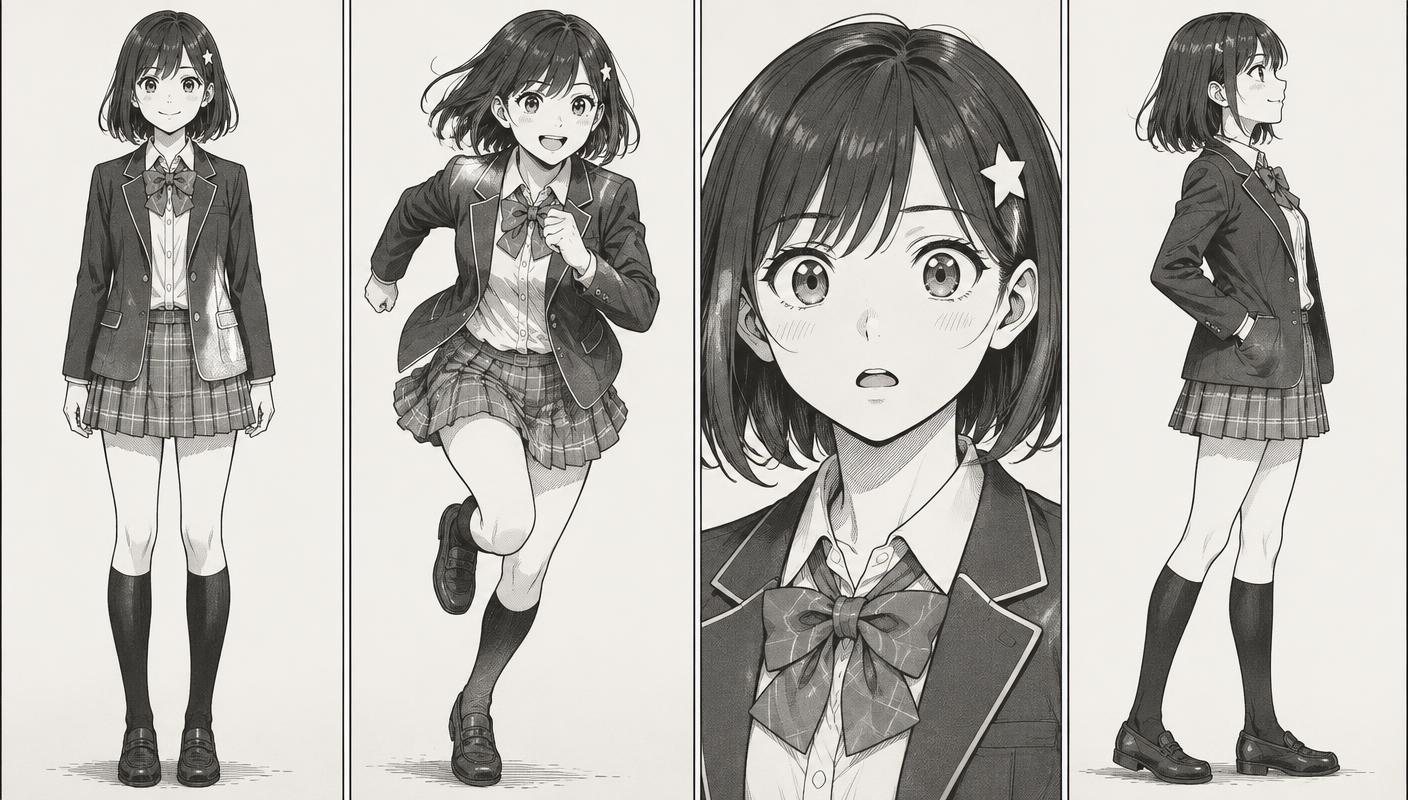
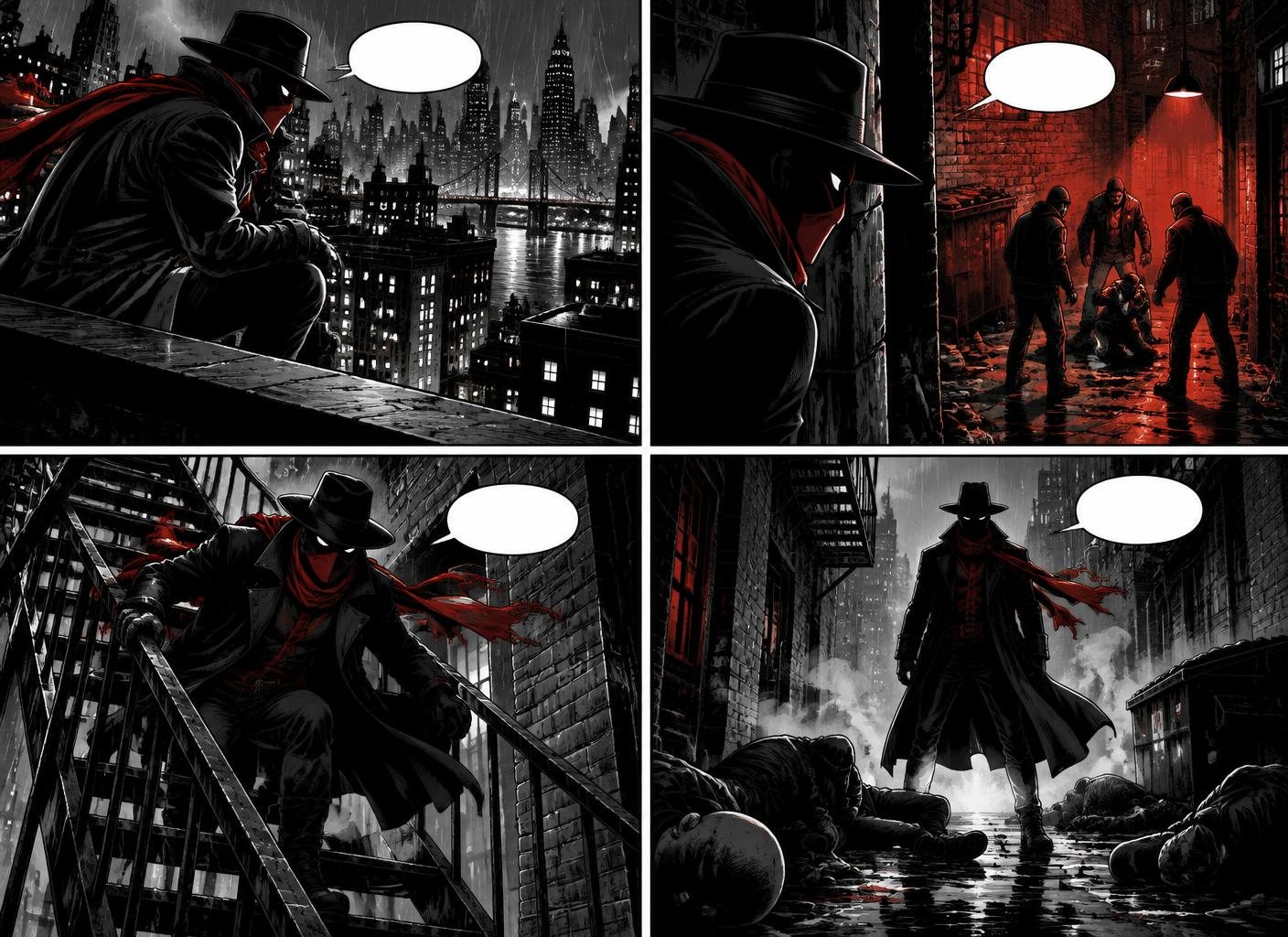
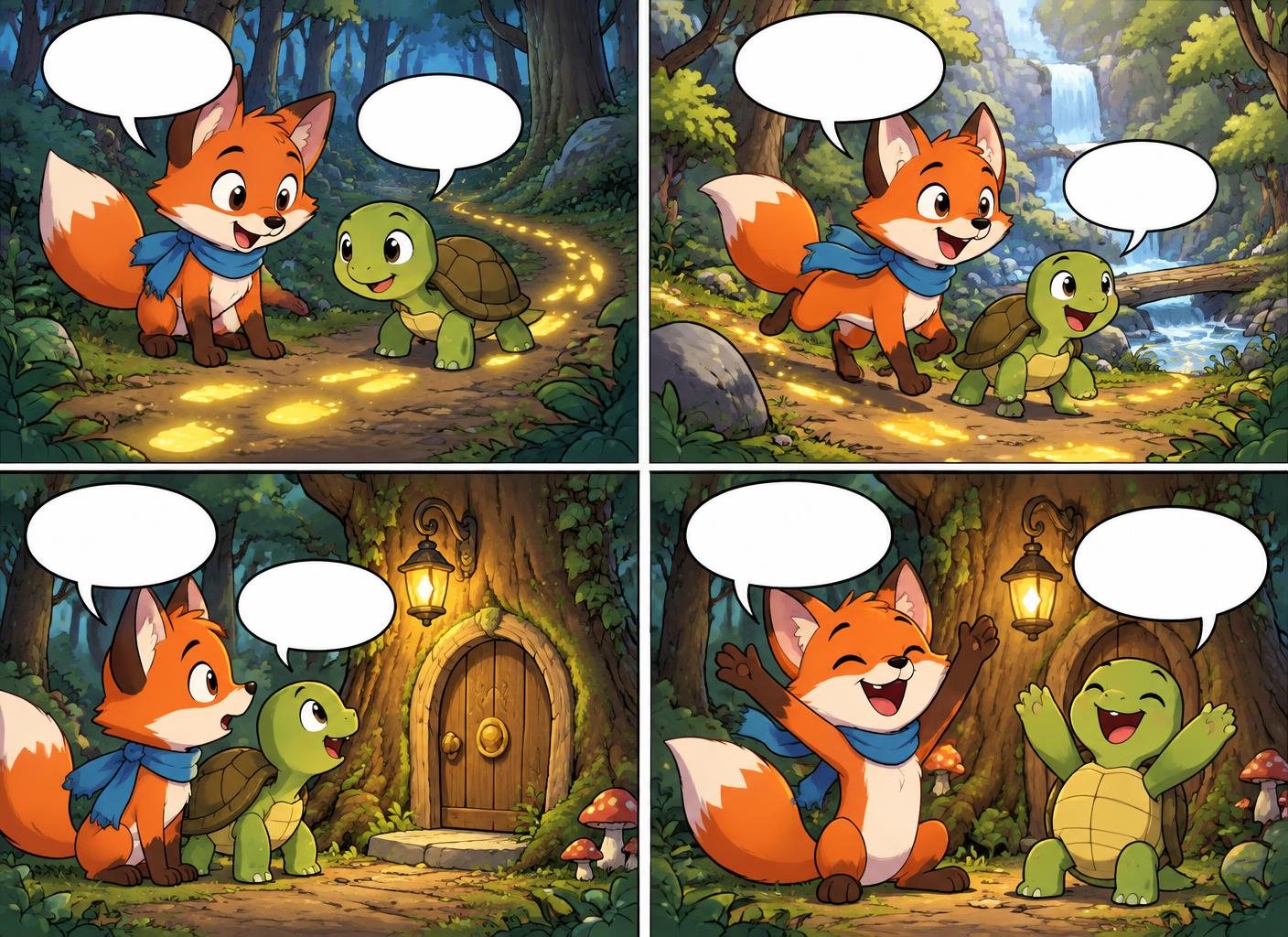
Examples made in Comic Creator
Who it is for
- Choose LlamaGen for high-volume generation — If you want many panels from one prompt, comic-to-video, or a community gallery to publish into, its plans are built around that.
- Choose Comic Creator for revision-heavy work — Client comics, classroom projects and series where wording and layout change often benefit from layers and editable lettering.
- Choose Comic Creator for simple pricing — Two plans with generation counts: Starter $9/month for 150 and Pro $29/month for 500. There are no separate credit costs per model to work out.
- Switching without an importer — There is no direct LlamaGen importer. Upload exported images as panels or backgrounds and add new editable lettering on top.
Comic Creator vs LlamaGen
| Feature | Comic Creator | LlamaGen |
|---|---|---|
| Core workflow | Manual panel assembly or reviewable script-to-comic planning | Prompt, character, image or story input generates the whole comic |
| Panels per run | Script runs follow your chosen page layout; redo any panel on its own | Up to 20, 40 or 64 panels per prompt depending on plan |
| Editing after generation | Movable character and background layers, crop/erase, Fix Part | Customization tools advertised; layer-level editing not verified |
| Speech bubbles | Separate, editable lettering with shape and tail controls | AI captions and comic lettering listed; editing after generation not verified |
| Character consistency | Saved character library; reference sets on Starter and Pro | Advertised; listed under Pro and above on the pricing page |
| Extra formats | Comics and boards only | Comic-to-video and other formats advertised |
| Free allowance | 20 lifetime generations and 1 regular saved comic | Free plan offered; exact limits not verified |
| Paid plans | Starter $9/month (150 generations); Pro $29/month (500) | Monthly prices shown: Standard $18, Pro $30, Unlimited $96, Production $200, in credits |
| Exports | Starter/Pro: whole-comic PDF, page-PNG ZIP, page and panel images | HD export listed on Pro; exact formats not verified |
FAQ
Is Comic Creator a free LlamaGen alternative?
You can start without a credit card. The Free plan includes 20 lifetime AI generations and one regular saved comic with up to 4 pages. Starter examples don't use that comic slot. Exports and character reference sets need Starter or Pro.
Can Comic Creator generate a whole comic from one prompt?
Yes, from a script. You review the planned panels first, then they are drawn onto the canvas, where you can still move characters, edit bubbles and redo single panels. One free AI comic is included for new accounts.
Which tool keeps characters more consistent?
Both use character references. We have not benchmarked them side by side. Test the same character across angles, expressions and outfits before committing to a long project.
Which tool is cheaper?
It depends on how much you generate. LlamaGen prices plans in credits, with different costs per model. Comic Creator counts generations: Starter $9/month for 150, Pro $29/month for 500. Compare what one finished comic costs you, including retries.
Can I import my LlamaGen comic?
There is no direct importer. You can upload exported images, but flat artwork cannot get back its separate layers or text. Add new editable lettering on top.
Do I need to know how to draw?
No. Comic Creator generates panels, characters, and backgrounds from text prompts. If you can describe a scene, you can make a comic.